
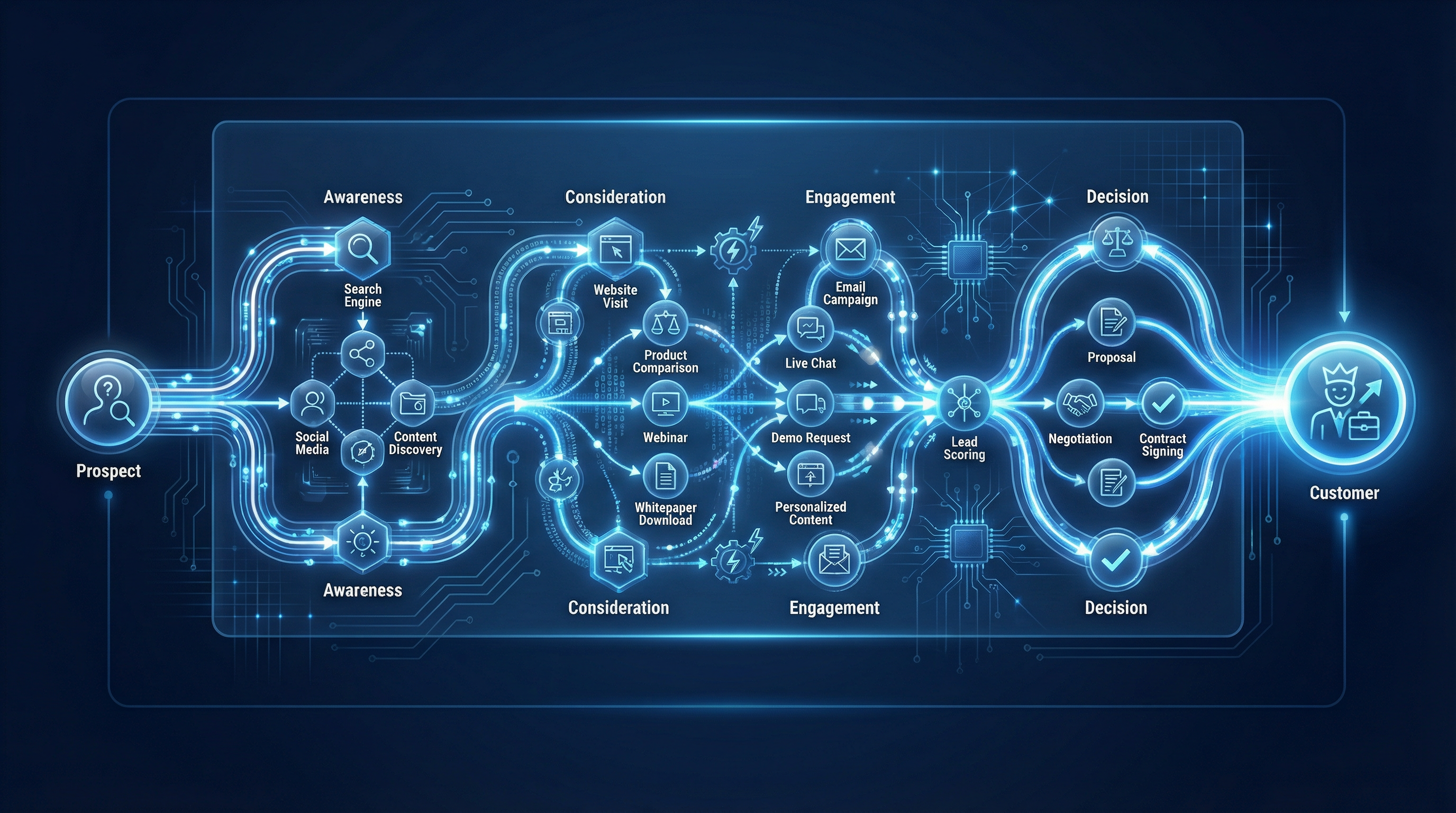
Your plumbing company is spending $200 per lead on Google Ads, but your dispatch team only books 15% of them. Your dental practice gets a steady stream of new patient inquiries, yet 30% of calls go unanswered because the front desk is overwhelmed. Your roofing business implemented a CRM, but the sales team still complains about cold leads and inconsistent follow-up — costing an estimated $1,500 per lost job. These are not isolated problems. They are symptoms of the same root cause: automating individual tasks without understanding the complete customer journey first.
Most local service business owners jump straight to automation. They set up workflows for follow-up texts, appointment confirmations, or review requests. Each automation works in isolation. But together, they create a collection of disconnected touchpoints that optimize a single step while failing to deliver a coherent experience. You are patching leaks in a boat without understanding the hull. This guide fixes that.
What a Customer Journey Map Actually Is
A customer journey map is a document — a spreadsheet, a whiteboard, a digital canvas — that outlines every significant interaction your customer has with your business, in chronological order, from their perspective. That last part is what most businesses get wrong.
Most businesses map their internal operations. They chart what the business does: "We send a confirmation email. We call to confirm the appointment. We send an invoice." A true customer-perspective map describes what the customer experiences: "I submitted a form and did not hear back for three hours. I was not sure my appointment was confirmed. I got an invoice but could not understand the line items."
For each touchpoint, an effective journey map captures four things:
What the customer is doing. Are they searching Google for "emergency plumber near me" at 2 AM? Reading your reviews and comparing you to competitors? Waiting for a technician to arrive within the promised window? Each action reveals their immediate need and context.
What the customer is thinking. Are they wondering whether you will overcharge them? Whether the appointment is actually confirmed? Whether the technician will explain the repair before starting? These internal questions drive decisions and anxieties that your automation can either address or ignore.
What the customer is feeling. Stressed, relieved, frustrated, hopeful, confused? A homeowner with a burst pipe is in a state of panic. Your communication at that moment should reflect urgency and reassurance — not a generic "Thanks for contacting us, we will be in touch within 24 hours."
Their specific problems and questions. Where do they get stuck? What information are they missing? A customer thinking "Why is the earliest appointment three days away when my AC is out in July?" is telling you exactly where your scheduling process is failing.
The 5 Stages of a Local Service Business Customer Journey
Every local service business customer moves through roughly the same five stages. The specific touchpoints vary by industry, but the structure is consistent.
Stage 1: Awareness — The Moment of Need
The customer realizes they have a problem. A pipe bursts. A tooth starts aching. A roof starts leaking after a storm. They search Google, check Yelp, or ask a neighbor for a recommendation. At this stage, they are evaluating options quickly and the first business to appear credible and responsive wins the consideration.
What breaks here: Poor Google Business Profile optimization, no reviews, or a website that loads slowly on mobile. If you are not appearing in local search at the moment of need, the journey ends before it starts.
What automation can fix: Automated review request workflows that build your Google rating over time. Consistent NAP (name, address, phone) data across directories. A mobile-optimized website that loads in under three seconds.
Stage 2: Consideration — The First Contact
The customer calls, fills out a form, or sends a message. This is the most critical moment in the entire journey. Research from Harvard Business Review found that companies that respond to leads within one hour are seven times more likely to have a meaningful conversation with a decision-maker than those that wait even 60 minutes.
What breaks here: Missed calls with no follow-up. Form submissions that go to a shared email inbox nobody monitors. A 24-hour response time that feels like silence to a customer who needed help now.
What automation can fix: Missed call text-back workflows that respond within 90 seconds. Automated form submission acknowledgments with a booking link. GoHighLevel's two-way SMS system that lets customers respond and continue the conversation without a human in the loop. See our missed call text-back guide for the exact setup.
Stage 3: Conversion — Booking the Appointment
The customer decides to book. This stage is where friction kills revenue. Every extra step between "I want to book" and "I am booked" reduces conversion. A 2023 study by Accenture found that 52% of customers who abandon a booking process cite "too many steps" as the primary reason.
What breaks here: Requiring a phone call to book when the customer wants to self-schedule. Booking forms that ask for too much information upfront. No immediate confirmation after booking.
What automation can fix: An online booking calendar with real-time availability. Instant confirmation texts and emails with appointment details. A pre-appointment intake form that collects necessary information before the visit, reducing friction at the door. GoHighLevel's booking calendar handles all three natively — read our booking calendar guide for setup details.
Stage 4: Service Delivery — The Appointment Itself
The customer receives the service. This stage is largely outside the scope of automation, but the surrounding communication is not. No-shows and last-minute cancellations cost local service businesses an average of $200–$800 per missed slot depending on the industry. Most of them are preventable.
What breaks here: No reminder sequence. A single reminder 24 hours before that gets ignored. No way for the customer to confirm, reschedule, or cancel without calling.
What automation can fix: A three-step reminder sequence: 72 hours before (confirmation request), 24 hours before (reminder with reschedule link), and 2 hours before (final reminder). GoHighLevel workflows can send these via SMS, email, or both, and automatically update the calendar based on customer responses.
Stage 5: Retention and Referral — After the Job
The customer has been served. Now the question is whether they come back, leave a review, and refer others. This stage is where most local service businesses leave the most money on the table — not because the service was bad, but because there was no systematic follow-up.
What breaks here: No review request. No follow-up to check satisfaction. No re-engagement campaign for customers who have not booked in six months.
What automation can fix: An automated review request sent 24–48 hours after service completion. A satisfaction check-in at 72 hours. A re-engagement SMS campaign for dormant customers. GoHighLevel's reputation management system handles review requests and response tracking in one place — see our reputation management guide for how to set it up.
How to Build Your Journey Map in Practice
You do not need expensive software to build a useful customer journey map. A Google Sheet with five columns — one per stage — and four rows for each stage (doing, thinking, feeling, problems) gives you a working map in under two hours.
Start by interviewing three to five recent customers. Ask them to walk you through how they found you, what made them choose you, what the booking experience was like, and what happened after the service. Their answers will reveal gaps you never knew existed.
Then audit your current automation against the map. For each touchpoint where a customer has a question or a problem, ask: "Do we have an automated response to this?" If the answer is no, that is your next workflow to build.
The Automation Priority Order
Once your journey map is complete, prioritize automation in this sequence:
- Missed call response — the highest-value single automation for any local service business
- Appointment confirmation and reminders — directly reduces no-shows and cancellations
- Post-service review requests — compounds your Google rating over time
- Lead nurture sequences — for leads that did not convert on first contact
- Re-engagement campaigns — for dormant customers in your database
Each automation should be evaluated against your journey map to confirm it addresses a real customer pain point at a real stage of the journey. Automation that does not map to a customer need is just noise.
Use our missed call revenue calculator to quantify the revenue impact of fixing your Stage 2 (first contact) touchpoint first — for most local service businesses, that single fix recovers more revenue than all other automations combined.
What Good Automation Feels Like to the Customer
The goal is not automation that feels automated. It is automation that feels attentive. A customer who submits a form at 11 PM and receives a personalized text response within 90 seconds does not know or care that a workflow sent it. They know that this business responded immediately, and that responsiveness is the first data point they use to decide whether to trust you with their home, their health, or their legal matter.
Map the journey first. Build the automation second. The sequence matters more than the technology.