
Most service business owners have the same email setup: a Mailchimp account with a list they built over three years, a CRM in a spreadsheet or a separate tool, and a calendar app that doesn't connect to either. When a lead comes in, someone manually copies their email into Mailchimp, manually adds them to the CRM, and manually sends a follow-up. When that person books, nothing updates automatically. When they cancel, nobody knows until the day of the appointment.
GoHighLevel's email marketing system fixes the disconnection problem. Your email campaigns, your contact database, your automation workflows, and your appointment calendar all live in the same platform. When someone opens an email and clicks a link, that action can trigger an SMS. When someone books an appointment, the email confirmation goes out automatically. When a customer hasn't responded in 30 days, a re-engagement campaign starts without anyone setting it up manually. The email tool is powerful on its own — but it's the integration with everything else that makes it worth switching.
What's Included in GHL Email Marketing
Email marketing is included in every GoHighLevel plan starting at $97/month. There's no separate email tool to pay for, no per-contact pricing, and no limit on the number of emails you can send (though you pay for the sending infrastructure at very low per-email rates through LC Email or your connected SMTP).
The core features: a drag-and-drop email builder with 100+ templates, advanced workflow automation, in-depth analytics (opens, clicks, conversions, unsubscribes in real time), Smart Lists for dynamic contact segmentation, A/B testing on campaigns, Content AI for copy generation, and full SPF/DKIM/DMARC deliverability configuration. You can run both broadcast campaigns (one-time sends to a segment) and drip sequences (automated series triggered by contact behavior).
The Email Builder: What It Can and Can't Do
GHL's drag-and-drop email builder is functional and gets the job done for most service business use cases. You work with sections, columns, and content blocks — text, images, buttons, dividers, social links, and custom HTML if you need it. Templates are organized by category and are mobile-responsive by default.
Where it falls short compared to dedicated email tools like Klaviyo or Campaign Monitor: the design flexibility is more limited, and the template library isn't as polished as tools built specifically for email. If you're running a high-volume e-commerce brand where email design is a core brand expression, you might feel constrained. If you're a local service business sending appointment confirmations, follow-up sequences, and monthly newsletters, the builder handles everything you need without friction.
The Content AI feature generates email copy from a prompt — useful for first drafts of newsletters, promotional emails, and re-engagement campaigns. Treat it as a starting point, not a finished product. The copy needs editing for your specific voice and audience, but it eliminates the blank-page problem for teams that struggle to write marketing emails consistently.
Deliverability: The Part Most People Skip
Building a great email sequence that lands in spam folders is worse than not sending it at all — you're burning your list and damaging your sender reputation simultaneously. Deliverability setup is the step most GHL users skip, and it's the reason their open rates are 8% instead of 35%.
GHL gives you two options for email sending infrastructure: LC Email (GoHighLevel's built-in sending service) and a connected SMTP provider (Mailgun, SendGrid, Postmark, or your own). LC Email is the easier setup and works well for most use cases. For high-volume senders or businesses with existing sender reputations they want to preserve, connecting a dedicated SMTP provider gives you more control.
Regardless of which you use, you need to configure SPF, DKIM, and DMARC records in your domain's DNS settings. SPF tells receiving mail servers which servers are authorized to send email from your domain. DKIM adds a cryptographic signature to your emails that proves they haven't been tampered with. DMARC tells receiving servers what to do with emails that fail SPF or DKIM checks. Without all three, your emails are significantly more likely to land in spam — especially in Gmail and Outlook, which tightened their authentication requirements in 2024.
GHL's settings walk you through the DNS records you need to add. It takes about 20 minutes to configure and 24–48 hours for DNS propagation. Do this before you send your first campaign.
Automation: Email Sequences That Run Without You
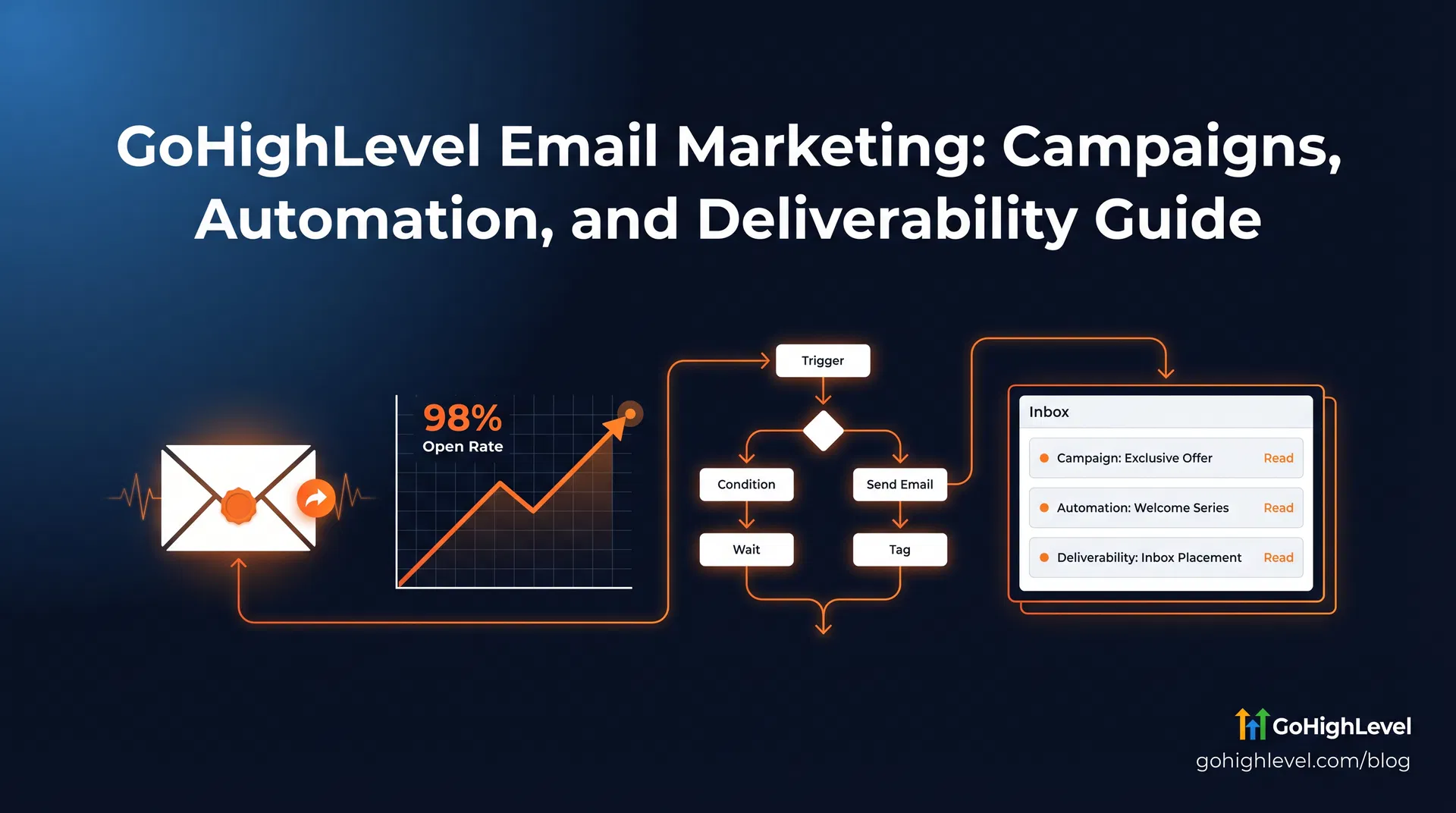
The automation engine is where GHL email marketing earns its place in your stack. You build workflows that trigger email sequences based on contact behavior — form submissions, link clicks, appointment bookings, tag changes, pipeline stage moves, or time-based delays.
A standard lead nurture sequence for a service business might look like this: a lead fills out a contact form and gets an immediate SMS (covered in the SMS Marketing guide), followed by a detailed email 15 minutes later with more information about your services. If they don't book within 48 hours, a follow-up email goes out with a specific offer or a case study. If they still haven't booked after 7 days, they move into a longer nurture sequence that sends one email per week for the next month. If they book at any point, the nurture sequence stops and the appointment reminder sequence starts.
All of this runs automatically. You set it up once, and it works for every lead that comes in — whether that's 5 per month or 500. The workflow logic handles the branching: if they book, go this way; if they don't respond, go that way; if they unsubscribe, remove them from all sequences. You're not manually managing any of it.
Smart Lists: Segmentation That Updates Itself
Smart Lists are dynamic contact segments that update automatically based on the criteria you define. You create a Smart List for "leads who haven't booked in 30 days" and it always shows the current contacts who match that criteria — you don't have to manually update the list every time someone books or a new lead comes in.
This is how you send targeted campaigns without manually sorting your contact list before every send. Customers who purchased in the last 90 days get a loyalty offer. Leads who opened your last email but didn't click get a different follow-up than leads who didn't open it at all. Contacts tagged as "HVAC" get HVAC-specific content; contacts tagged as "plumbing" get plumbing-specific content. The segmentation is as granular as the data you're collecting in your CRM.
Analytics: What to Actually Look At
GHL's email analytics show open rate, click rate, unsubscribe rate, bounce rate, and conversion events in real time. The numbers you actually need to watch:
Open rate below 20% usually means a deliverability problem (check your SPF/DKIM setup), a subject line problem (test different approaches), or a list quality problem (you're emailing people who don't know who you are). Open rate above 35% means your list is engaged and your subject lines are working — focus on improving click rate next.
Click rate below 2% usually means the email content isn't matching what the subject line promised, or the CTA isn't clear enough. A single, specific call to action outperforms multiple competing links in almost every test. Unsubscribe rate above 0.5% per campaign is a signal to slow down your sending frequency or improve your segmentation.
GHL Email vs Dedicated Email Tools: The Real Cost Comparison
The argument for keeping a separate email tool usually comes down to features or familiarity. Here's what the cost comparison actually looks like:
| Tool | Monthly Cost | What's Included |
|---|---|---|
| Mailchimp (500 contacts) | $13/mo | Email only |
| ActiveCampaign (500 contacts) | $49/mo | Email + basic CRM |
| Klaviyo (500 contacts) | $45/mo | Email + SMS (limited) |
| GoHighLevel Starter | $97/mo | Email + SMS + CRM + funnels + calendar + reputation management |
If you're paying $49/month for ActiveCampaign and $97/month for a separate CRM, you're at $146/month for two tools that require manual data syncing between them. GHL at $97/month replaces both and adds SMS, funnel building, and appointment scheduling on top. The math works for most service businesses once you add up what you're actually paying across your current stack.
For a detailed look at how GHL compares to ActiveCampaign specifically, the GoHighLevel vs ActiveCampaign comparison covers the feature-by-feature breakdown.
Getting Started: The Right Setup Order
Configure SPF, DKIM, and DMARC first — before you send a single email. Then import your existing contact list and tag contacts based on their source or status. Build your first automated sequence: a simple 3-email welcome series for new leads that introduces your business, shares a case study or testimonial, and ends with a specific offer or booking link.
Once the welcome series is running, add a re-engagement campaign for contacts who haven't opened an email in 90 days. Then build out your post-appointment follow-up sequence — a thank-you email the day after service, a review request 3 days later, and a re-booking prompt 6 months out for recurring services. These three sequences alone — welcome, re-engagement, post-service — cover the majority of the email automation value for most service businesses.
Frequently Asked Questions
Is email marketing included in all GoHighLevel plans?
Yes. Email marketing is included in the Starter plan at $97/month and all higher tiers. You pay for the sending infrastructure at low per-email rates (through LC Email or a connected SMTP provider), but there's no separate charge for the email builder, templates, automation, or analytics.
How do I improve email deliverability in GoHighLevel?
Configure SPF, DKIM, and DMARC records in your domain's DNS settings before sending any campaigns. Use LC Email or a reputable SMTP provider (Mailgun, SendGrid, Postmark). Warm up new sending domains gradually — start with small sends to your most engaged contacts and increase volume over 2–4 weeks. Avoid spam trigger words in subject lines and keep your unsubscribe rate below 0.5% per campaign.
Can GoHighLevel replace Mailchimp or ActiveCampaign?
For most service businesses, yes. GHL's email builder handles standard campaigns and automation sequences. The main reason to keep a dedicated email tool is if you need advanced e-commerce email features (abandoned cart flows, product recommendation engines) or very high design polish. For lead nurture, appointment follow-up, and re-engagement campaigns, GHL covers everything Mailchimp and ActiveCampaign do — plus SMS, CRM, and calendar integration that those tools don't offer.
What's the difference between a campaign and a workflow in GHL email?
A campaign is a one-time broadcast send to a segment of your contact list — like a monthly newsletter or a promotional offer. A workflow is an automated sequence triggered by a contact action (form submission, link click, tag change, etc.) that sends emails (and SMS, if configured) based on the logic you define. Most businesses use both: campaigns for regular communication with the full list, workflows for automated follow-up with individual leads.
Does GoHighLevel support A/B testing for email campaigns?
Yes. You can create two variants of a campaign with different subject lines, content, or CTAs, and GHL will split traffic between them automatically. Once one variant reaches statistical significance, you can declare a winner and send the better-performing version to the rest of your list.
For a complete view of GoHighLevel's communication suite, read our GoHighLevel SMS marketing guide alongside this one — most high-performing campaigns combine both channels. Our full GoHighLevel review covers how email and SMS integrate within the platform.