
GoHighLevel Reputation Management: How to Get More Google Reviews on Autopilot
Your Google reviews are doing more work than you probably realize. Research from Rio SEO's 2025 Local Search Consumer Behavior Study found that 75% of consumers read at least 4 reviews before choosing a local service business. Businesses with more than 200 reviews earn 82% more in annual revenue compared to businesses with below-average review counts. And 31% of consumers say online reviews are the most important factor when selecting a local service provider.
The problem isn't that customers won't leave reviews. It's that they forget. They had a good experience, they meant to leave a review, and then life got in the way. The businesses that consistently collect reviews aren't doing anything special — they're just asking at the right moment, automatically.
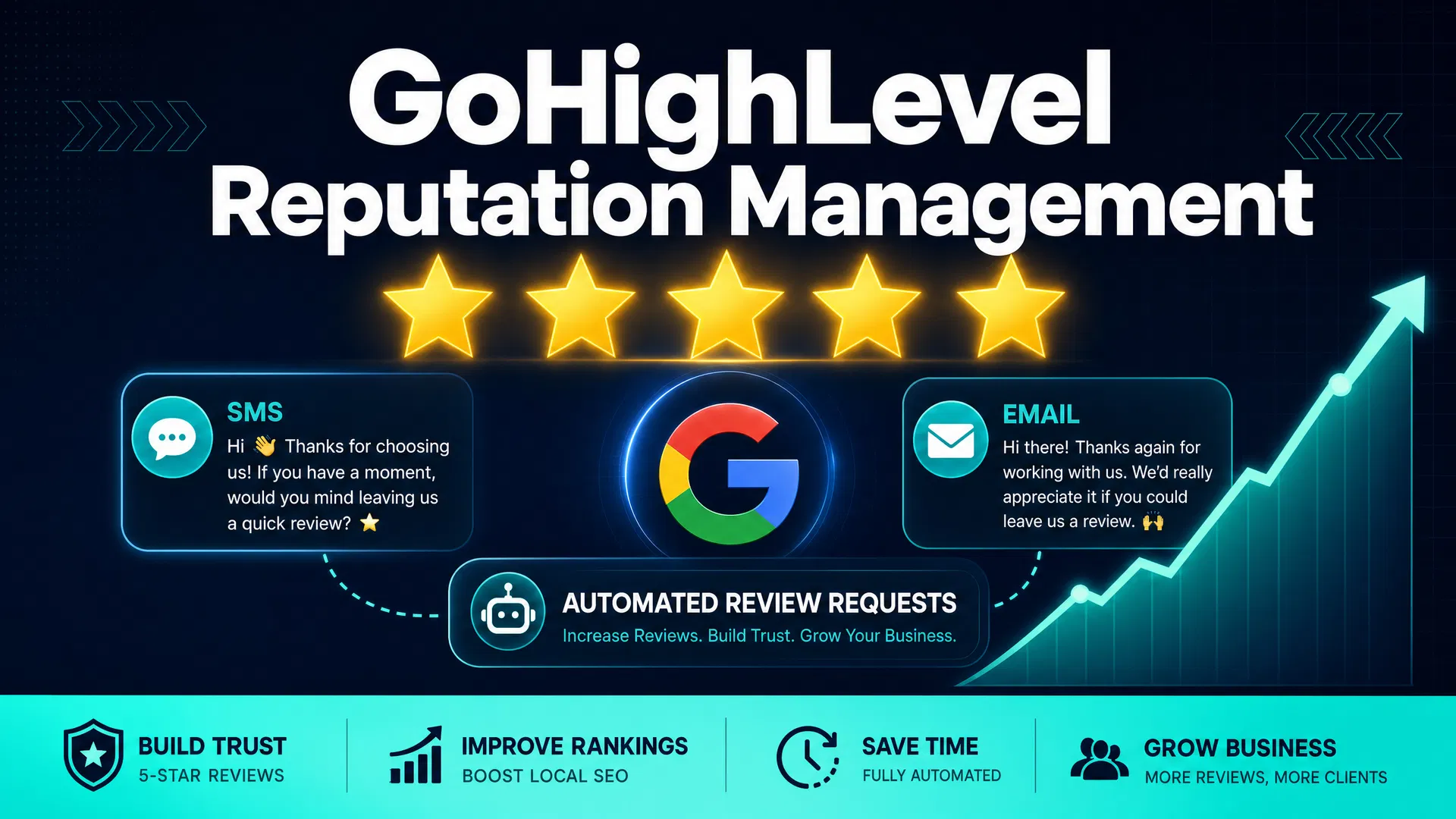
GoHighLevel's reputation management system automates the entire review collection process. You set it up once, and it sends review requests to every completed customer automatically — via SMS, email, or WhatsApp — at the exact moment when they're most likely to respond.
Here's how it works, what the setup looks like, and what you can realistically expect.
What GoHighLevel's Reputation Management Does
GoHighLevel's reputation management system has three main components:
Automated review requests: Trigger review request messages automatically when a customer reaches a specific stage in your pipeline (e.g., "Job Completed" or "Invoice Paid"). The message includes a direct link to your Google Business Profile review page.
Review filtering (feedback funnel): Before sending customers to your public Google review page, you can route them through a satisfaction check. Customers who rate their experience highly get sent to Google. Customers who had a less-than-perfect experience get sent to a private feedback form instead. This protects your public rating while still capturing valuable feedback.
Review monitoring and AI responses: GoHighLevel's Reviews AI monitors your incoming reviews across platforms and can automatically draft responses. You review and approve the responses before they're posted, or you can set it to post automatically.
The result is a system that consistently generates new reviews without requiring manual effort from your team. Most businesses that implement automated review requests see their review volume increase by 3–5x within the first 90 days.
Why Timing Matters More Than Anything Else
The single biggest factor in whether a customer leaves a review is timing. Ask too early (before the job is done) and they have nothing to say. Ask too late (a week after the job) and the moment has passed.
The optimal window for a review request is 1–4 hours after the service is completed. At that point, the customer is satisfied, the experience is fresh, and they're still thinking about your business. A simple text message — "Thanks for choosing us today. If we did a good job, we'd really appreciate a quick Google review: [link]" — sent at that moment converts at a much higher rate than the same message sent the next day.
GoHighLevel makes this timing automatic. When a technician marks a job as complete in the CRM, or when an invoice is paid, the workflow triggers automatically and sends the review request within minutes. You don't have to remember to ask. You don't have to train your staff to ask. The system handles it.
Setting Up Automated Review Requests
The setup process in GoHighLevel takes about 30 minutes. Here's what you'll do:
Step 1: Configure your review link. In GoHighLevel, go to Reputation > Settings and add your Google Business Profile review link. This is the direct URL that takes customers to your Google review form. You can find this link in your Google Business Profile dashboard.
Step 2: Create a review request workflow. Go to Automation > Create Workflow. The trigger is a pipeline stage change — when a contact moves to "Job Completed" or "Customer" (or whatever stage you use to mark completed work). The action is sending an SMS or email with your review request message and link.
Step 3: Set up the feedback funnel (optional but recommended). Instead of sending customers directly to Google, create a simple survey first. Ask "How would you rate your experience today?" with a 1–5 scale. Route customers who select 4 or 5 to your Google review link. Route customers who select 1–3 to a private feedback form that goes to your email.
This two-step approach has two benefits: it increases the percentage of positive reviews on Google (because you're filtering out unhappy customers before they reach the public page), and it gives you early warning about service problems before they become public complaints.
Step 4: Customize your message. Write a review request message that sounds like it came from a real person, not a marketing department. "Hey [Name], this is [Your Name] from [Business]. We just finished up at your place — hope everything looks good! If you have 2 minutes, a Google review would mean a lot to us: [link]" converts better than a formal corporate-sounding message.
Step 5: Test the workflow. Move a test contact through your pipeline to verify the workflow triggers correctly and the message arrives as expected.
The Feedback Funnel: Protecting Your Rating
The feedback funnel is one of the most underused features in GoHighLevel's reputation management system. Here's why it matters.
Every service business occasionally has a bad day. A technician runs late. A repair doesn't hold. A customer has unrealistic expectations. Without a feedback funnel, those customers go directly to Google and leave a 1-star review that stays on your profile forever.
With a feedback funnel, unhappy customers are routed to a private form instead. You get their feedback directly, you can reach out to make it right, and they never reach your public Google page. Happy customers — the ones who rate you 4 or 5 stars — get sent directly to Google.
The practical impact is significant. A plumbing company with a 4.2-star rating on Google that implements a feedback funnel typically sees their rating climb to 4.6–4.8 within 6–12 months, simply because the system is consistently collecting reviews from satisfied customers while redirecting dissatisfied ones to private channels.
A higher star rating directly impacts how often your business appears in Google's local pack (the map results at the top of search). Google's algorithm considers review count, recency, and rating when ranking local businesses. More reviews, more recent reviews, and a higher average rating all push you up in local search results.
Monitoring and Responding to Reviews
GoHighLevel's Reviews AI monitors your incoming reviews and can draft responses automatically. This matters because Google's algorithm favors businesses that respond to reviews — both positive and negative.
Responding to every review manually is time-consuming. For a business collecting 20–30 reviews per month, that's a significant time commitment. GoHighLevel's AI drafts a response for each review, which you can approve and post with a single click.
For positive reviews, the AI generates personalized thank-you responses that mention the specific service and reinforce your brand. For negative reviews, it drafts professional, empathetic responses that acknowledge the issue and offer to make it right.
You can set the system to post responses automatically, or you can review each one before it goes live. Most businesses start with manual review and switch to automatic posting once they're confident in the quality of the AI-generated responses.
What You Can Realistically Expect
The results from automated review collection depend on your current review volume, your average customer satisfaction level, and how well your review request message is written. But here are realistic benchmarks:
Review request open rate: SMS review requests have an open rate of 95–98%. Email review requests have an open rate of 20–30%. SMS is significantly more effective for review collection.
Conversion rate (opened → left review): 15–25% of customers who open a review request actually leave a review. This varies by industry and how personalized the message is.
Timeline: Most businesses see a noticeable increase in review volume within 30 days of implementing automated review requests. Reaching 100+ reviews typically takes 3–6 months for a business that was previously collecting reviews manually.
Impact on local search: Businesses that go from 20 reviews to 100+ reviews typically see a meaningful improvement in their local search ranking within 3–6 months. The exact impact depends on your market, your competitors' review counts, and other local SEO factors.
Connecting Reviews to Revenue
The revenue impact of online reviews is well-documented. A one-star increase in your Yelp rating is associated with a 5–9% increase in revenue, according to Harvard Business School research. For Google reviews, the relationship is similar — more reviews and a higher rating correlate with more clicks, more calls, and more booked jobs.
For a local service business doing $500,000 in annual revenue, a 5% revenue increase from improved reviews represents $25,000 in additional income. That's a significant return on a system that costs nothing extra to run once it's set up (reputation management is included in all GoHighLevel plans).
The CRM ROI calculator can help you estimate the full revenue impact of a system like GoHighLevel, including the review collection component.
What GoHighLevel's Reputation Management Doesn't Do
It's worth being clear about the limitations:
It can't remove negative reviews: GoHighLevel can help you respond to negative reviews professionally, but it can't remove them. Only Google can remove reviews that violate its policies.
It can't guarantee a specific rating: The feedback funnel reduces the number of negative reviews that reach Google, but it doesn't eliminate them. Customers who are determined to leave a negative review can do so directly through Google without going through your funnel.
It requires a pipeline setup: The automated review requests trigger based on pipeline stage changes. If you're not using GoHighLevel's CRM and pipeline features, you'll need to set those up first.
It works best with high transaction volume: If you complete 5 jobs per month, automated review requests will generate a trickle of new reviews. If you complete 50 jobs per month, the impact compounds quickly.
The Bottom Line
GoHighLevel's reputation management system is one of the most straightforward ways to increase your Google review count without adding any manual work to your team's day. The setup takes about 30 minutes. The results compound over time as more reviews push you higher in local search results.
The combination of automated review requests, the feedback funnel, and AI-powered review responses creates a system that consistently improves your online reputation in the background — while you focus on actually doing the work.
If you're not currently using GoHighLevel, the 14-day free trial includes full access to the reputation management features. It's worth testing the review request workflow during the trial to see the response rate you get from your customers before committing to the full platform.
For businesses already using GoHighLevel for CRM or SMS marketing, adding the reputation management workflow is a 30-minute setup that pays dividends for years. There's no good reason to leave it on the table.