
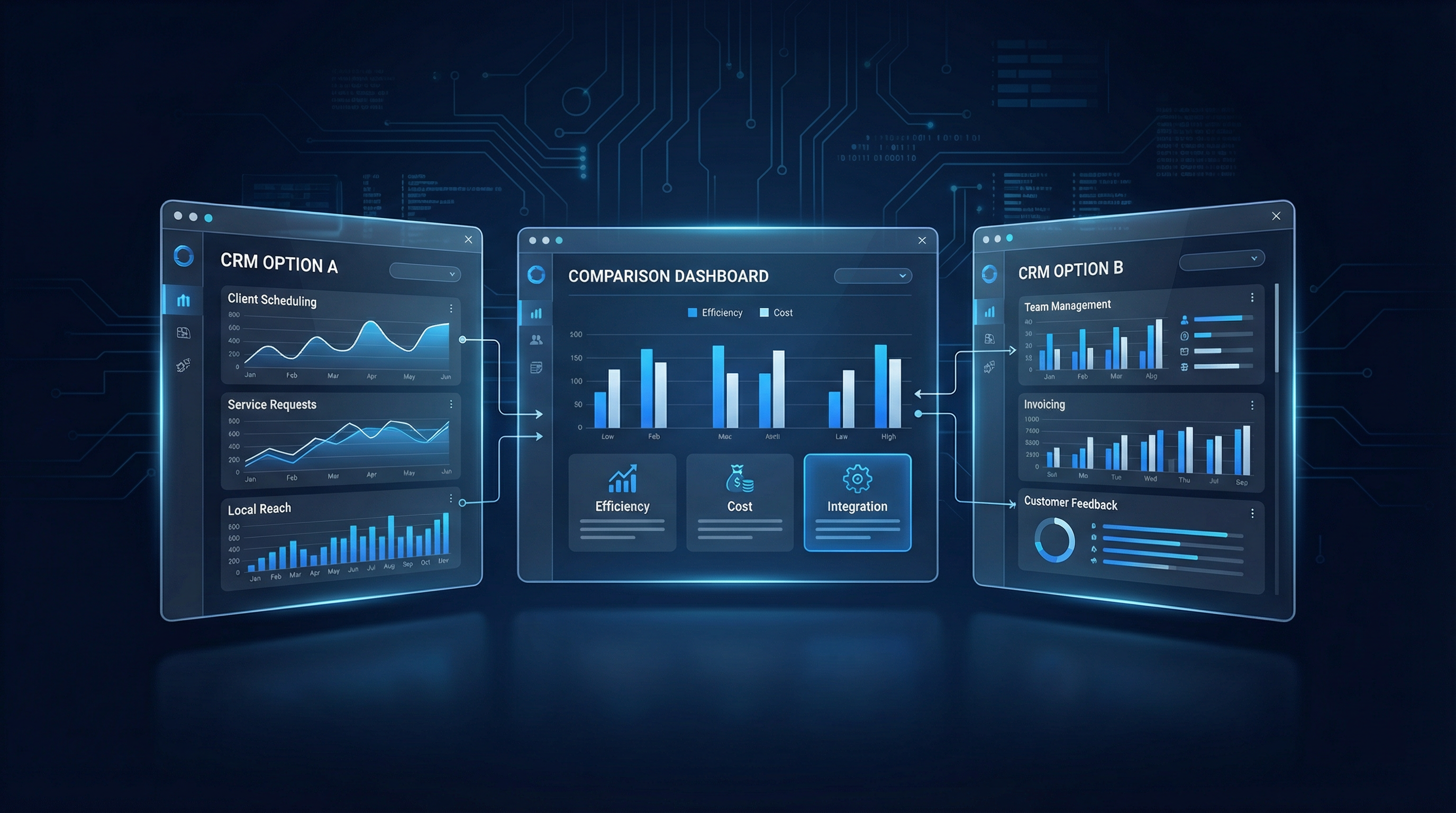
Losing track of leads? Missing follow-ups? Struggling to convert inquiries into paying customers? For most local service business owners, these are familiar pains. Often, a CRM promises to be the magic bullet. But let's be honest: picking the best CRM for your local service business is far more complicated than any marketing spiel lets on. The market? It's a minefield of confusing choices, reviews driven by affiliate commissions, and pricing that's anything but transparent.
This guide isn't here to sell you anything. We're cutting through the noise to demystify what a CRM actually is, pinpoint the features that genuinely boost your bottom line, call out the flashy but often useless extras, and arm you with the precise questions to ask before you commit. Our aim is to empower you to make an informed decision that fits your unique business, your call volume, your budget, and your team. Because frankly, anyone pushing a one-size-fits-all solution for every local service business is either out of touch or has a clear financial motive.
What a CRM Actually Does (and What It Doesn't)
At its heart, a CRM—Customer Relationship Management—serves as your business's central nervous system for all things customer-related. Picture it as a high-tech digital rolodex fused with a solid task manager. It's a database built to house every scrap of information about your leads, current customers, and even past clients, giving you the tools to manage every single interaction.
Here's the crucial distinction: A CRM is a tool, not a strategy. It won't magically generate leads if your marketing efforts are floundering. It won't close sales if your sales process is broken. And it certainly won't fix a team culture that struggles with consistent follow-up. What it does do, exceptionally well, is organize and empower you to act on the relationships you already have or are actively cultivating.
Take a plumbing business, for instance. A new inquiry comes in. Without a CRM, that lead might get buried in an email inbox, scribbled on a sticky note, or lost in a spreadsheet. With a CRM, that lead immediately gets a dedicated profile, meticulously tracking every call, text, and email. You can see at a glance when they were last contacted, what their specific plumbing issue is, and what the next step should be. This proactive approach prevents leads from slipping through the cracks—a common scenario that, costs local businesses thousands annually.
Businesses that thrive with a CRM are those with a clearly defined process for managing customer relationships. They use the CRM to execute, track, and optimize that process. Conversely, businesses that invest in a CRM hoping it will create a process they haven't bothered to define often find themselves with an expensive, underutilized piece of software. Don't buy a hammer if you don't know how to build. Define your process first, then find the best CRM for your local service business to support it.
The CRM Features That Actually Move the Needle
The CRM market is overflowing with features designed for massive B2B sales teams with lengthy, complex sales cycles. Most of these are overkill for the average local service business. Here’s what you should actually focus on:
1. Unified Conversation View
This is non-negotiable. You need a single inbox where every call, text, and email with a contact is automatically logged. An HVAC company in Phoenix, for example, might have a customer who calls for a quote, texts a follow-up question, and then emails to schedule the job. Without a unified view, three different team members might have three different pieces of the conversation. With it, anyone can see the full history and provide a smooth experience.
2. Automated Follow-Up & Reminders
Industry data consistently shows that the first business to respond wins the majority of leads. A CRM that can automatically text a new lead or create a follow-up task for your team is a significant advantage. GoHighLevel’s “Missed Call Text Back” feature is a perfect example. If you miss a call, the system immediately texts the person back, saying something like, “Hi, this is [Your Company]. Sorry we missed your call. How can we help?” This simple automation can be the difference between a lost lead and a booked job. You can even calculate the potential revenue saved with our missed call calculator.
3. Visual Sales Pipeline
You need to see, at a glance, where every lead is in your process. How many are new inquiries? How many have received a quote? How many have booked a job? A visual pipeline makes the health of your business immediately obvious. Without it, you're flying blind, and leads inevitably fall through the cracks. This isn't about fancy charts; it's about having a real-time pulse on your cash flow.
The Shiny Objects: Features You Can Probably Ignore
Advanced AI-Powered Lead Scoring
Lead scoring assigns a numerical value to each lead based on their perceived likelihood to convert. While useful for businesses juggling thousands of leads a month, it’s unnecessary for a local service business handling 50-200 leads. Your team’s time is better spent personally following up with every lead, not deciphering a complex scoring system.
Bloated Reporting & Analytics Dashboards
Most local service businesses don’t need a 50-tab analytics dashboard. You need to know three things: how many leads came in, how many converted, and what was the cost per lead (which you can track with our cost-per-lead tool). A simple pipeline report answers these questions. Don't pay for complexity you won't use.
Massive Integration Marketplaces
A long list of integrations looks impressive, but it’s mostly fluff. The critical question isn’t how many integrations are available, but whether the CRM reliably connects with the tools you actually use, like your scheduling software, payment processor, and phone system.
The 3 Main Categories of CRMs for Local Service Businesses
Category 1: The Digital Rolodex (Free & Basic CRMs)
Products like the free tiers of HubSpot, Zoho, and Freshsales offer basic contact management and pipeline tracking. They’re a good starting point for organizing your contacts, but they lack meaningful automation. They can tell you a new lead came in, but they can't automatically text them or start a follow-up sequence.
- Best for: Businesses with under 50 leads per month who primarily need organization, not automation.
Category 2: The Automation Engine (Mid-Market CRMs)
Tools like ActiveCampaign and Keap offer more solid automation but come with a steeper price tag ($50-$200/month) and a significant learning curve. They can handle complex workflows, but you’ll need to invest serious time in setup and management.
- Best for: Businesses with 50-300 leads per month and a dedicated team member to manage the system.
Category 3: The All-in-One Command Center
Platforms like GoHighLevel, ServiceTitan, and Jobber combine CRM, automation, communication, and more into a single platform. They are more opinionated about your workflow, but if your process aligns with their model, they can be incredibly powerful. For example, a dental practice could use GoHighLevel to manage new patient inquiries, send appointment reminders, and even automate post-visit follow-ups, all from one place. The pricing, typically ranging from $97 to $300+ per month, reflects this consolidated power.
- Best for: Established businesses that want to consolidate tools and are willing to adapt their workflow to a proven system.
How to Choose: Key Questions for Your Business
- What is the single biggest problem I need to solve? Is it missed follow-ups? A messy pipeline? Start with the pain point, not the feature list.
- How many leads am I handling now, and what about in 12 months? The right tool for 30 leads/month is different from the right tool for 300. Plan for growth.
- Who will actually use this, and are they tech-savvy? A CRM your team won't use is a waste of money. Be realistic about their comfort level.
- What other tools do I absolutely need to connect? Don't assume integrations will work. Verify them during your trial.
- What does the support and onboarding really look like? Good support is critical, especially if you're setting it up yourself. Look for video tutorials, live chat, and a strong user community.
Don't Fear the Free Trial
Almost every CRM offers a free trial. Use it, but use it wisely. Don’t just click around. Actually run your real leads through it for a week or two. Set up your pipeline stages, import existing contacts, and create a follow-up workflow for a new lead. The friction points you encounter during a real trial are far more informative than any demo or review article.
The Decision is Reversible
Most business owners delay choosing a CRM out of fear of making the wrong choice. The good news? This decision is reversible. Migrating from one CRM to another isn’t painless, but it’s rarely catastrophic. Most contact data can be exported and imported, and workflows can be rebuilt. The cost of switching is almost always far lower than the cost of continuing to manage leads manually, losing opportunities, and frustrating your team.
The best CRM for your local service business isn't the one with the most features or the highest price tag. It's the one you and your team will actually use, consistently, to convert more leads and serve your customers better. Start with a free trial of GoHighLevel today and experience the difference an all-in-one platform can make for your business.
Before investing in any CRM or automation platform, run the numbers with the free CRM ROI Calculator to see your projected return based on your current lead volume and close rate.
To find out where your pipeline is leaking revenue, the free Pipeline Leakage Calculator breaks down your loss by stage so you know exactly where to focus first.