
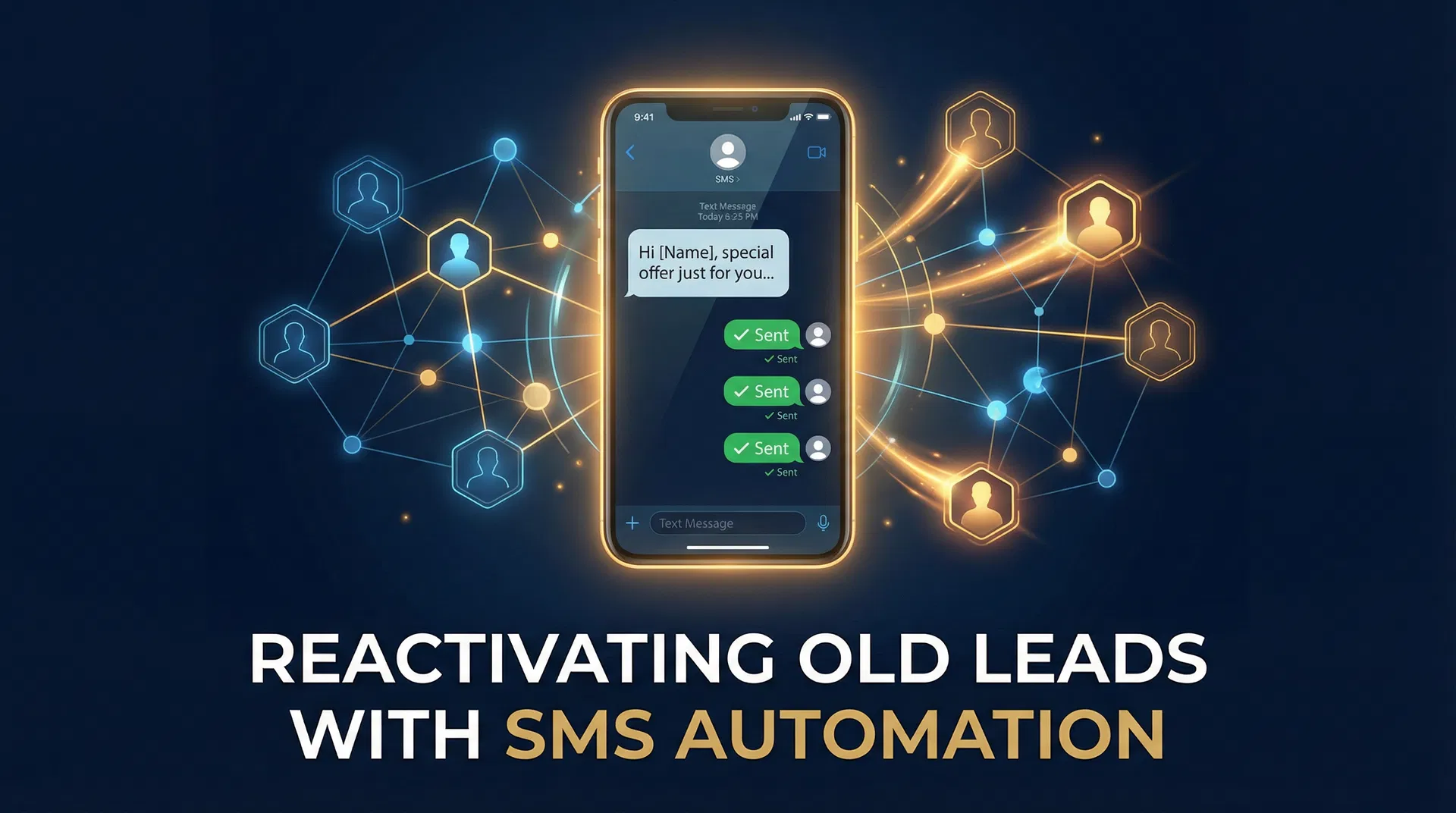
Your phone rings. A new lead, hot and ready to buy. You spend time qualifying, nurturing, only for them to go cold. Or worse, your database is full of past customers who haven't booked in months. This isn't just a missed opportunity; it's a direct hit to your bottom line. Your most valuable leads aren't the shiny new ones from your latest ad campaign – they're the ones you already earned, sitting dormant in your CRM or spreadsheet. Ignoring them is like throwing cash out the window.
This article isn't about chasing new prospects. It's about unlocking hidden revenue in your existing database by mastering SMS reactivation. We'll show you exactly how to turn those 'dead' leads into booked appointments and loyal customers, often for free.
Why Your "Dead" Leads Are Actually Goldmines
Many business owners assume that if a lead didn't convert immediately, they're gone forever. This mindset costs you a fortune. People don't always buy when you want them to; they buy when the timing is right for them. A homeowner who inquired about a new roof six months ago might have been waiting for insurance approval, or perhaps a sudden expense derailed their plans. A dental patient who missed their last cleaning might have simply forgotten to reschedule.
The critical difference between a dead lead and a dormant one is often a single, well-timed message. These aren't cold calls; these are conversations with people who already know your business, have expressed interest, or were once a customer. The hardest part of sales – building trust – is already partially complete. You're not introducing yourself to a stranger; you're reminding someone familiar about the value you offer.
The Power of Proximity: Why SMS Wins
Email open rates hover around 20-25%, and messages can sit unread for days. Phone calls often go straight to voicemail. Text messages, however, boast an astounding 98% open rate, with most read within three minutes. This isn't just a statistic; it's a direct line to your customer's attention.
Imagine you're a busy HVAC contractor. You've got a list of 500 past clients who haven't had their annual AC tune-up. Sending a personalized text message to each, reminding them it's time, is far more effective than an email blast. A simple, human message cuts through the noise and gets seen. This directness is why SMS is the undisputed champion for lead reactivation.
The Reactivation Math: Real Revenue from Forgotten Contacts
Let's talk numbers. This isn't theoretical; it's proven. Take a list of 300 old leads or past customers. You send a concise, personal text message. We're not talking about a hard sell or a discount offer, just a genuine check-in. Something like: "Hey [Name], it's [Your Name] from [Business]. It's been a while – are you still looking for help with [service]? We have some availability this week if you're interested."
Even with a conservative 5% booking rate from this warm list, those 300 contacts yield 15 new appointments. If your average job value is $500, that's $7,500 in revenue from a list that was generating nothing. For a high-ticket service business, say a roofing company with an average job value of $10,000, those 15 appointments translate to a staggering $150,000. The only cost? The time it takes to set up the campaign. This is pure profit, directly from your existing assets.
Specific Scenarios, Tangible Returns:
- A Med Spa in Miami: 700 clients haven't booked a facial or Botox in 9+ months. A simple SMS campaign offering a quick check-in and mentioning new seasonal treatments could easily reactivate 5-10% of that list, bringing in tens of thousands in recurring revenue.
- An Auto Repair Shop in Dallas: 1,200 customers whose last oil change was over 6 months ago. A proactive text reminding them their vehicle is due for service, perhaps with a link to their online booking system, could fill their bays for weeks. Even a 3% response rate means 36 new service appointments.
- A Chiropractic Clinic in Denver: 400 former patients who completed their treatment plan but haven't been in for a maintenance adjustment in a year. A friendly text asking how they're feeling and offering a quick follow-up consultation can bring many back into the clinic for ongoing care.
Crafting Reactivation Texts That Get Replies (Not Ignored)
The biggest mistake you can make is sending a text that sounds like marketing. People are bombarded with ads; they respond to genuine human interaction. Your goal isn't to sell in the first message, it's to open a conversation. Here's how to do it right:
- Keep it concise and personal: Your message should be no more than 2-3 sentences. Start with their name. For example, instead of a generic blast, try: "Hey [Client Name], this is [Your Name] from [Your Business]. We haven't seen you since your last [service/appointment] in [Month/Year] – just checking in to see how things are going and if you need anything."
- Reference past interaction: Remind them of your existing relationship. "We helped you with your AC last summer" or "You inquired about our dental services a few months back" immediately establishes context and trust.
- Offer a clear, low-pressure reason for contact: Don't beat around the bush. Are you checking in on their well-being? Offering a seasonal service reminder? "Just wanted to see if you're still considering that roof repair" or "It's time for your annual check-up, wanted to see if you'd like to schedule."
- Provide an easy out: Remove any perceived pressure. "No worries if now isn't the right time, just wanted to reach out!" or "If you're all set, just reply STOP." This paradoxically makes people more likely to respond, even if it's to say no.
- Avoid links in the first message: A link in an unsolicited first text screams spam. Build rapport first. Once they reply and express interest, then you can send a booking link or more information.
Example Template for Home Services:
"Hey [Name], this is [Your Name] from [Your HVAC Company]. We helped you with your AC tune-up last spring. Just wanted to check in and see if you're thinking about your furnace maintenance for the colder months ahead. No pressure either way, just reaching out!"
This message is human, references a prior relationship, and offers a clear, low-pressure reason for contact. It invites a conversation, which is the first step to reactivation.
The GoHighLevel Advantage: Automating Your Reactivation Campaigns
Manually sending hundreds of personalized texts, tracking replies, and following up is a logistical nightmare for any small business owner. This is where GoHighLevel is an essential tool. It transforms a tedious, time-consuming task into an automated, revenue-generating machine.
GoHighLevel's Workflows (found in the Automation section) allow you to build sophisticated, multi-step SMS reactivation campaigns that run on autopilot. Here's a conceptual guide to setting one up:
Step-by-Step Conceptual Guide to GoHighLevel SMS Reactivation:
- Import Your List: Start by importing your list of old leads or past customers into GoHighLevel. This can be a simple CSV file with names and phone numbers. Tag these contacts appropriately (e.g., "Old Leads - HVAC 2023", "Lapsed Dental Patients") for easy segmentation.
- Create a New Workflow: Navigate to the Automation section and create a new workflow. Choose a "Contact Tag" or "Custom Field" as your trigger. For instance, when you add the tag "Reactivation Campaign - Q1 2026" to a contact, they'll enter this workflow.
- Initial SMS Message: The first action in your workflow will be to send your personalized reactivation SMS. Use custom values like
{{contact.first_name}}and{{location.name}}to ensure each message is unique to the recipient and your business. Craft a message following the principles outlined above. - Wait for Reply: Add a "Wait" step, configured to wait for a reply from the contact. Set a reasonable timeout, say 24-48 hours.
- Conditional Logic (If/Else Branch): This is where the magic happens. Create an "If/Else" condition based on the contact's reply. Did they reply? Did their reply contain keywords like "yes," "interested," "schedule," or "book"? Or did they say "no," "stop," or "not now"?
- If Yes/Interested: If the contact expresses interest, the workflow can automatically send them a booking link (e.g.,
{{location.website}}/booking) or notify your team to follow up personally. You can also add them to a separate "Hot Leads" pipeline. - If No/Not Interested: If they decline, the workflow can tag them as "Not Interested - Reactivation" and remove them from future reactivation campaigns for a set period. You might also offer a softer follow-up in 6 months.
- If No Reply: If there's no reply after the initial wait, you can send a second, slightly different follow-up message a few days later. "Just checking in again, [Name]. Wanted to make sure you got my last message. Still happy to help if you need anything!" Add another "Wait for Reply" step.
- Internal Notifications: Integrate internal notifications to your team at critical junctures. For example, if a lead replies "interested," send an email or internal SMS to your sales team so they can jump in immediately.
- Ongoing Nurturing: For contacts who don't reactivate immediately but don't opt-out, you can add them to a longer-term nurturing sequence, perhaps sending occasional valuable content or seasonal offers.
This automated system ensures no lead falls through the cracks, your team only engages with genuinely interested prospects, and your database consistently generates revenue without constant manual effort. A plumbing company in Phoenix, for example, used a similar GoHighLevel workflow to reactivate 200 old estimates, resulting in 18 new jobs and over $15,000 in revenue in a single month, all without spending a dime on new ads.
Who Benefits Most from Database Reactivation?
Any local service business with an existing customer or lead list can profit immensely from reactivation. It's particularly potent for:
- Dental & Med Spas: Patients often forget routine check-ups or follow-up treatments. A personalized SMS reminder for a cleaning or a seasonal aesthetic treatment can fill your appointment book. A med spa in Beverly Hills saw a 15% increase in re-bookings for laser hair removal packages after implementing a 6-month post-service check-in SMS campaign.
- HVAC & Home Services: Seasonal maintenance (furnace checks in fall, AC tune-ups in spring) is crucial. Proactive texts to past clients remind them to schedule, securing your business before they call a competitor. An HVAC business in Atlanta uses this to pre-book 30% of their spring tune-ups by February.
- Auto Repair Shops: Vehicles require regular maintenance. A text reminding customers their oil change or tire rotation is due, linking directly to your scheduling page, makes it easy for them to return. A mechanic in Chicago added an extra $5,000 in monthly revenue just by reminding customers about overdue services.
- Gyms & Fitness Studios: Former members often intend to return but need a nudge. A targeted offer or a simple "we miss you" message can bring them back. A CrossFit gym in Austin reactivated 25 former members in a month with a personalized offer for a discounted re-enrollment.
- Real Estate Agents: Market conditions change, and a lead who wasn't ready six months ago might be now. A simple check-in can reignite conversations and uncover new opportunities. A realtor in San Diego closed two deals in a quarter from leads that had gone cold for over a year, simply by checking in via text.
Your Most Valuable Asset is Already in Your Pocket
You don't need a massive marketing budget or a team of experts to tap into this revenue stream. You already possess your most powerful asset: your existing database. It's warm, it knows you, and it's waiting for you to reach out. The only thing standing between you and thousands of dollars in untapped revenue is action.
GoHighLevel offers a 14-day free trial. This isn't just a demo; it's an opportunity to implement your first SMS reactivation campaign and see tangible results. Many business owners who commit to this during their trial book enough appointments to cover their subscription costs many times over before the trial even ends. Stop letting valuable leads gather dust. Start reactivating them today.
AutomationInsiders.com is a GoHighLevel affiliate. We may earn a commission if you sign up through our link — at no extra cost to you.
To find out where your pipeline is leaking revenue, the free Pipeline Leakage Calculator breaks down your loss by stage so you know exactly where to focus first.
Before investing in any CRM or automation platform, run the numbers with the free CRM ROI Calculator to see your projected return based on your current lead volume and close rate.
For the complete GoHighLevel SMS setup that powers database reactivation campaigns, read our GoHighLevel SMS marketing guide. To see how much revenue is sitting in your dormant lead database, use our missed call revenue calculator as a baseline for your reactivation ROI estimate.