
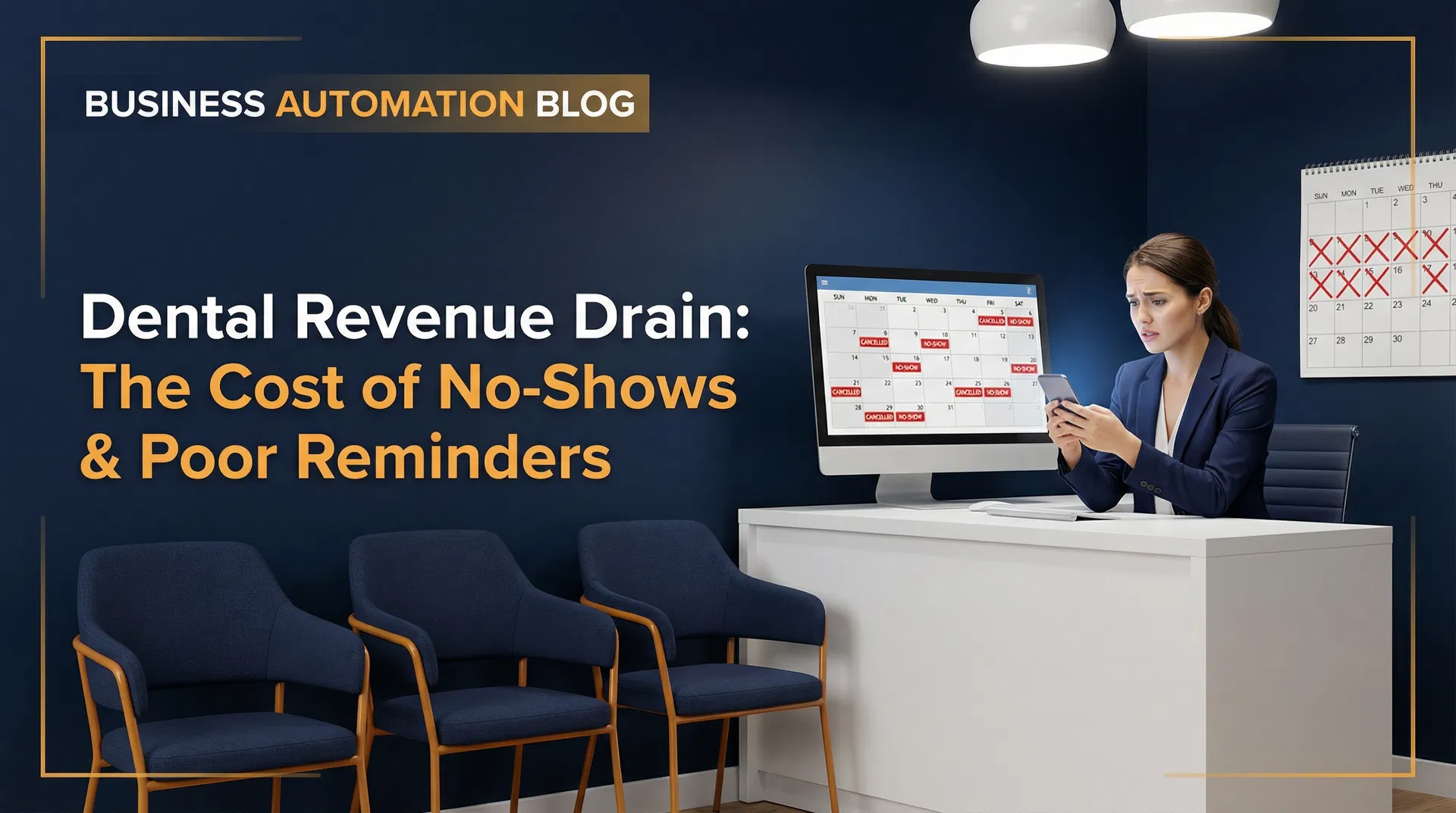
Let's be honest: your dental practice is losing money. Hundreds, even thousands, of dollars disappear every day because of no-shows and last-minute cancellations. This isn't just annoying; it's a huge hit to your profits. We've seen it cost the average practice a staggering $187,500 to $300,000 every single year, all because of a 15% to 20% no-show rate. We're here to show you how to use GoHighLevel for dental office no-shows scheduling to stop that bleeding, speed up your whole operation, and get a big chunk of that lost money back.
Empty Chairs Cost Your Dental Practice Big Money
Those empty chairs? They're not just empty; they're costing your business a fortune. By 9 AM, two people have canceled. By noon, another is a no-show. That's three lost appointments, easily $750 to $1,200 in lost work for the day. Then, your front desk wastes 45 minutes or more frantically calling a waitlist. For most dental practices we talk to, this isn't a rare problem; it's what happens every day.
The financial hit goes way beyond just the money you lose right away. Think about it: idle hygienists, unused equipment, and those unproductive gaps for dentists all add up to a massive annual drain. For example, an average practice with 20 daily appointments and a 15% no-show rate loses about 3 appointments every day. At $300 per appointment, that's $900 gone daily, adding up to over $225,000 annually. This money just vanishes because, frankly, most current systems aren't built to make sure patients actually show up.
And it's not just about the money. The administrative work is a hidden, sneaky cost. Every single no-show or cancellation starts a chain of tasks for your front desk team: rescheduling, calling waitlists, and dealing with frustrated patients. This pulls them away from important jobs like check-ins and insurance verification, leading to burnout and a big drop in how well they work. The honest truth is, your team's time is too valuable to spend chasing missed appointments.
Why Your Current Reminder System Isn't Working
Let's face it: most dental practices are still using a single, often useless, appointment reminder system. We're talking about that one email or a single phone call 24 to 48 hours before the appointment. This approach isn't just bad; it's actively messing up your GoHighLevel dental office no-shows scheduling efforts.
First off, people don't open emails much, usually around 20-25%. Do the math: three out of four patients might never even see your reminder. Their inboxes are a mess, and your email is just another casualty. Relying only on email? That's asking for trouble.
Second, one reminder just isn't enough. Life happens. A patient who booked weeks ago can easily forget a reminder sent just 48 hours out. And a reminder sent too close to the appointment, say two hours before, is often too late for anyone to change their plans. When and how often you send reminders is super important.
Here's the kicker: good research consistently shows that using reminders through multiple channels—like text, email, and automated calls—sent at the right times can cut no-show rates by a huge 30-50%. That means an 18% no-show rate could realistically drop to 9%. For a practice with 20 daily appointments, this means getting back 1-2 appointments every single day, adding an extra $300-$600 in work. That, my friends, is a big boost for your bottom line.
Build a Solid Reminder Sequence with GoHighLevel
This is where GoHighLevel shines. It lets you build a smart, multi-channel reminder sequence that can practically get rid of forgotten appointments. We're talking about creating a smooth way to talk to patients that gently, but firmly, guides them right to their appointments. Here's the exact, effective sequence we recommend you set up:
72 Hours Before: The First Confirmation
Three days out, an automated text hits their phone. It's a friendly reminder with all the appointment details and a clear call to action: confirm or reschedule. For example: "Hi [Patient Name], quick reminder: you're with Dr. [Dentist Name] on [Date] at [Time]. Reply YES to confirm or call us to reschedule." This gives everyone plenty of time to confirm or make changes. The best part? GoHighLevel's two-way SMS automatically updates the appointment status, so your team isn't stuck tracking anything by hand.
24 Hours Before: The Second Reminder
One day before, a second text and an email go out. If they haven't confirmed yet, this message really pushes them: "Reminder: Your appointment is tomorrow at [Time]. Please confirm by replying YES or calling us directly." This multi-channel punch makes sure they see it. The email is also a great place to include directions or any forms they need to fill out before the appointment.
2 Hours Before: The Last Nudge
Two hours before the appointment, a final, short text reminder goes out. Something like: "See you today at [Time] for your appointment at [Practice Name]!" This isn't just a reminder; it's a strong nudge that stops those last-minute no-shows from simply forgetting. This whole automated GoHighLevel sequence? It frees your front desk to actually take care of patients, not spend their day chasing people.
Automated Waitlist Management: Never an Empty Slot Again
But what happens when a patient does cancel or no-show, even with your super strong reminder system? GoHighLevel has an answer for that too: automated waitlist management. Instead of your front desk wasting 45 minutes calling down a list, the system automatically sees that open slot and immediately offers it to the next patient on your waitlist via text message. This happens in minutes, not hours. Your schedule stays full, and your work stays high. A patient cancels an hour before their appointment. Within five minutes, a waitlisted patient gets a text, takes the slot, and your chair is filled again. No manual work needed. That, right there, is the undeniable power of smart GoHighLevel dental office no-shows scheduling.
Beyond Reminders: Make the Whole Patient Journey Better with GoHighLevel
Here's the real game-changer: GoHighLevel doesn't just stop at no-shows. It makes the entire patient journey better. We're talking about features that completely change how efficient you are and how much patients engage, right from that first contact all the way through to keeping them coming back.
Easy New Patient Intake
Let's automate new patient intake with GoHighLevel. Patients get their forms via text or email, filling out all the paperwork on their phone before they even walk into your office. This isn't just about getting rid of those waiting room clipboards; it drastically cuts down check-in time and makes that first visit so much smoother. A busy parent, for example, can fill out the forms at home, arriving relaxed and ready for their child's appointment. Less stress for everyone.
Automated Post-Appointment Follow-Up and Reputation Management
GoHighLevel also automates your follow-up after appointments. It sends out texts and emails, gently asking patients to leave those important Google reviews. We've seen practices using this strategy watch their review counts shoot up—3 to 5 times higher in just a few months. A strong online reputation is your best new patient magnet; these automated reviews build trust and visibility, leaving your competitors behind.
Proactive Recall Campaigns: Get Lapsed Patients Back
Getting lapsed patients back? That's a goldmine of money waiting to be tapped. GoHighLevel automates personalized texts and emails for patients who are overdue for their cleanings (we're talking 12-18 months out). For instance: "Hi [Patient Name], it's been a while since your last cleaning – we'd love to help you maintain your oral health! Here's a quick link to book your next appointment at your convenience: [Booking Link]." This proactive approach can fill weeks of appointments, bringing in a lot of money with minimal effort, and effectively preventing future gaps in your schedule.
Treatment Plan Follow-Up
How many times do patients simply forget to schedule recommended treatments? Too many. GoHighLevel steps in here too, automating follow-up messages for open treatment plans. It's a gentle nudge that reminds them to book. This simple automation directly affects your bottom line, turning those pending treatments into booked appointments. An automated reminder for a patient who needs a crown, for example, makes sure they get the care they need, and your practice gets that money.
GoHighLevel vs. Dental-Specific Software: The Smart Choice for Your Business
Now, let's talk about the big issue: dental-specific software. Tools like Weave, Lighthouse 360, and Solutionreach certainly handle reminders and recall. But here's the problem: they often cost you $300-$500+ every single month. And frankly, these closed systems can be a real pain when you try to connect them with other marketing tools. For most practices, they're just too much.
GoHighLevel, on the other hand, is a flexible, affordable business automation platform that absolutely excels at reminders, recall, review requests, and all your patient communication needs—and it does it all for a lot less money. While deep, special integration with practice management software (like Dentrix, Eaglesoft, Open Dental) might give dental-specific platforms a slight edge in that one area, most dental offices looking for better communication, automated recall, and good review management will find GoHighLevel offers better features and flexibility at an unbeatable price. It makes your GoHighLevel dental office no-shows scheduling and patient engagement much better.
Here's a direct, no-nonsense comparison to help you make a smart decision:
| Feature | Dental-Specific Software (e.g., Weave, Lighthouse 360) | GoHighLevel |
|---|---|---|
| Monthly Cost | $300–$500+ | $97–$297 (depending on plan and features) |
| Reminders | Yes (often basic multi-channel) | Yes (highly customizable multi-channel) |
| Recall Campaigns | Yes (often limited in customization) | Yes (advanced segmentation and automation) |
| Review Automation | Limited/Add-on | Comprehensive (automated requests, reputation management) |
| CRM | Basic (patient records) | Advanced (full patient journey tracking, lead scoring) |
| Marketing Automation | Limited | Comprehensive (email, SMS, voicemails, pipelines) |
| Website/Funnel Builder | No | Yes (drag-and-drop, landing pages) |
| Two-Way SMS | Yes | Yes (integrated with CRM) |
| Integration with Practice Management Software | Deep (often proprietary) | Via Zapier or direct API (for some) |
| Scalability | Designed for dental, can be rigid | Highly scalable for any local service business |
The financial impact here is super clear. Beyond the big monthly savings, GoHighLevel is a money-making machine. Imagine cutting an 18% no-show rate to just 8%. That alone can get back a massive $150,000-$250,000 in annual work. At this level, GoHighLevel isn't just a tool; it's an investment that pays off huge, boosting your revenue and truly making patient care better.
Figure Out Your Practice's Lost Money & Take Action
Curious about how much money no-shows are really costing your practice? Don't guess. Use our free appointment no-show cost calculator at AutomationInsiders.com. Plug in your own data and see your annual revenue loss laid bare. The cumulative total isn't just a number; it's a stark picture of what you're leaving on the table. This isn't just about plugging a leak; it's about optimizing your practice for maximum profitability and patient satisfaction. Strategic GoHighLevel dental office no-shows scheduling makes all the difference in the world.
GoHighLevel offers a generous 14-day free trial. You can set up a solid reminder sequence in about an hour. Seriously, next week, you're seeing improved confirmation rates and a front desk team that's actually relieved, not stressed. Don't let those empty chairs keep draining your potential. Take control of your schedule and your revenue today. Start your free trial and experience the profound difference GoHighLevel dental office no-shows scheduling can make for your business.
AutomationInsiders.com is a GoHighLevel affiliate. We may earn a commission if you sign up through our link — at no extra cost to you.
Before investing in any CRM or automation platform, run the numbers with the free CRM ROI Calculator to see your projected return based on your current lead volume and close rate.