gohighlevel landing page builder
GoHighLevel Landing Page Builder: Build Pages That Convert Without Unbounce or Leadpages (2026)

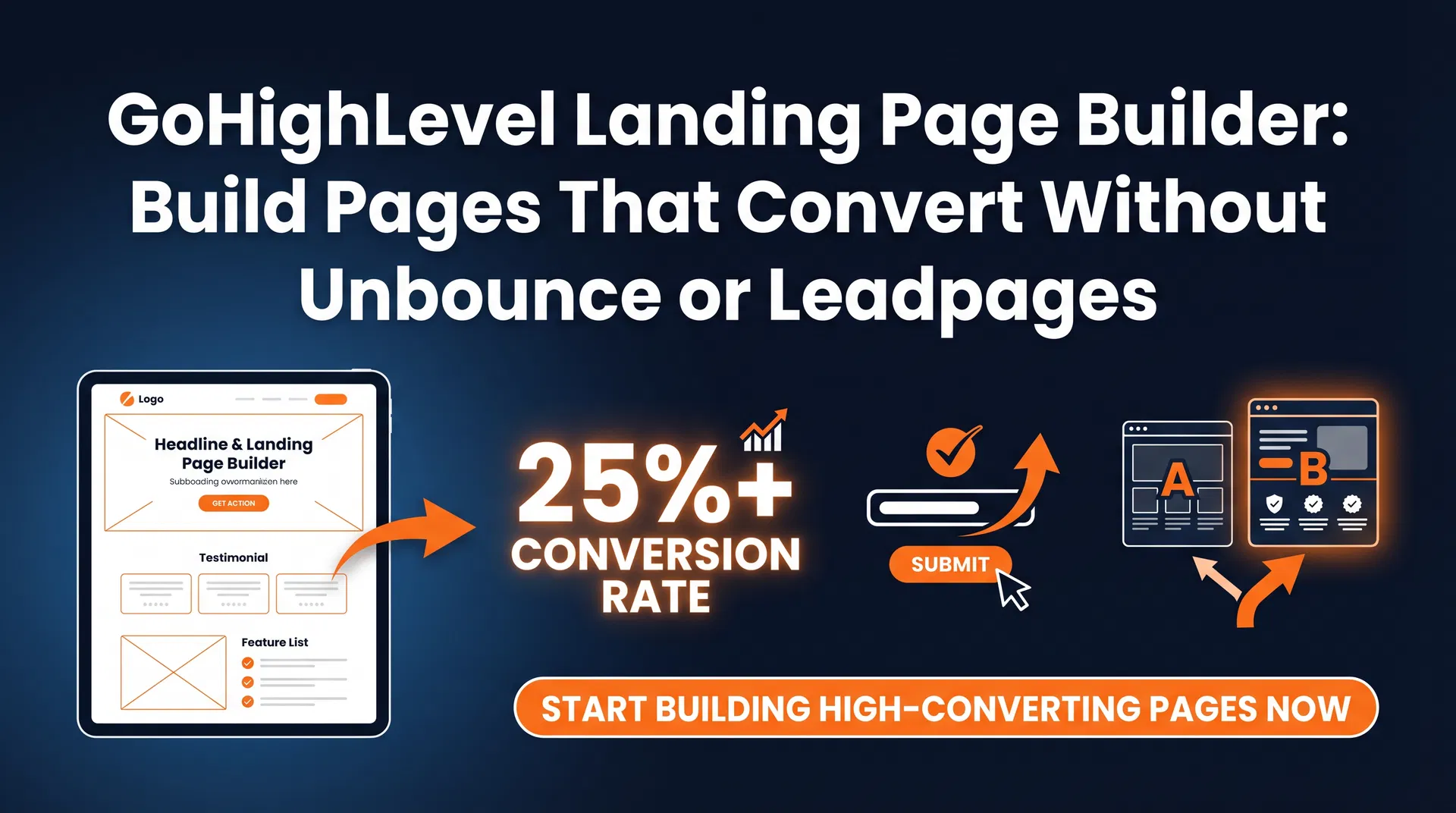
If you're paying $99/month for Unbounce or $49/month for Leadpages to build landing pages, here's the part that should bother you: every lead that fills out a form on those pages has to be manually exported to your CRM. Or you're paying for a Zapier integration that breaks every few months. Or someone on your team is copying and pasting contact information between systems. None of that is automated. None of it is reliable. And every time a lead falls through the gap between your landing page tool and your CRM, that's a job you didn't get.
GoHighLevel's landing page builder is included in every plan starting at $97/month. It's the same builder used for funnels and full websites — there's no separate product. And because it's native to GHL, every form submission automatically creates a CRM contact, fires your follow-up workflow, and drops the lead into your pipeline. No Zapier. No manual exports. No gaps.
What the Builder Includes
The GHL page builder is a drag-and-drop editor that works with sections, columns, and content elements. The element library covers everything a service business landing page needs: text blocks, images, videos, buttons, countdown timers, progress bars, testimonial blocks, pricing tables, FAQ accordions, and native GHL forms. Custom HTML blocks are available if you need to embed third-party scripts or custom code.
Every page is mobile-responsive by default. The builder has a mobile preview mode so you can see exactly how the page renders on a phone before publishing. GHL hosts all pages on its infrastructure — you connect your own domain in the settings and the page lives at your URL with SSL included automatically.
The template library has 100+ options organized by category: lead generation, appointment booking, webinar registration, product launches, service pages, and more. Templates are functional and conversion-focused, though design polish varies. If you need a specific look, you're better off starting from a template and customizing it than building from scratch.
The AI Page Builder: From Prompt to Draft in Minutes
The AI Page Builder, added in 2026, generates a complete landing page from a text prompt. You describe your business, your target customer, and what you want the page to accomplish, and the AI produces a full page structure with copy, layout, and placeholder images in 2 to 4 minutes.
The output needs editing — the copy is a starting point, not a finished product, and you'll want to replace stock images with real photos of your work or team. But the structure is solid enough that a complete page can go live in under an hour instead of the 3 to 4 hours a full manual build takes. For businesses that need to test multiple landing page concepts quickly, this is a meaningful time savings.
Write specific prompts. "A landing page for an HVAC company targeting homeowners in Phoenix who need AC repair, with a form to book a same-day appointment" produces a much more useful output than "a landing page for an HVAC company." The AI uses the specifics to generate relevant copy and structure the page around the right call to action.
Forms: The Connection Between Your Page and Your CRM
The form element is what makes GHL landing pages different from every standalone page builder. When you add a GHL native form to your page and a visitor submits it, here's what happens automatically:
A contact record is created in your CRM with all the submitted information. Any tags you've configured are applied to the contact. The contact is added to whatever pipeline stage you've designated for new leads. Your follow-up workflow fires — typically an immediate SMS confirmation, followed by an email with more detail, followed by a task assigned to your team if the lead doesn't book within a set timeframe. If the form includes a calendar booking step, the appointment is created and reminder sequences start automatically.
You configure all of this in the form settings and workflow builder — it's not automatic out of the box, but it's straightforward to set up and it runs forever once it's configured. The form fields you create in GHL map directly to CRM contact fields, so the data is clean and searchable from the moment it comes in.
Calendar Integration: Pages That Book Appointments Directly
For appointment-based businesses, the most valuable landing page configuration is one that lets visitors book directly on the page without any back-and-forth. GHL's calendar embed element drops your booking calendar directly into any landing page. Visitors pick a time, fill in their contact information, and the appointment is confirmed — all on the same page, without leaving to a separate booking tool.
This matters for conversion rates. Every additional step between a visitor's intent and the completed action is a place where they can drop off. A page that captures a name and phone number and then sends a "someone will call you to schedule" message loses a percentage of leads at the callback step. A page that lets them pick a time and confirm immediately converts those leads before they have a chance to reconsider.
The calendar embed connects to your GHL calendar, which means the appointment shows up in your team's schedule, triggers the reminder sequence, and is linked to the contact record — all automatically. For businesses running the Appointment No-Show Calculator, this is the setup that reduces no-shows most effectively because the reminder sequence starts the moment the appointment is booked.
A/B Testing: Know What Your Visitors Actually Respond To
GHL's landing page builder includes native A/B testing. You create two variants of a page — different headline, different hero image, different CTA button text — and GHL splits incoming traffic between them automatically. Once one variant accumulates enough data to be statistically significant, you can declare a winner and redirect all traffic to the better-performing page.
For businesses running paid traffic to landing pages, A/B testing is how you improve your cost per lead over time without increasing your ad budget. A 3% improvement in conversion rate on a page getting 200 visitors per month from ads is 6 additional leads per month at the same ad spend. Run three tests per quarter and the gains compound.
Test one variable at a time. If you change the headline and the hero image simultaneously, you won't know which change drove the improvement. Start with the headline — it has the highest impact on conversion rate — then move to the CTA, then the form length, then the page layout.
GHL Landing Pages vs Standalone Tools: The Cost Comparison
| Tool | Monthly Cost | CRM Integration | SMS Follow-up | Calendar Booking |
|---|---|---|---|---|
| Unbounce | $99–$649/mo | Via Zapier ($49+/mo) | Separate tool required | Separate tool required |
| Leadpages | $49–$99/mo | Via Zapier ($49+/mo) | Separate tool required | Separate tool required |
| ClickFunnels | $97+/mo | Basic contact list only | Separate tool required | Separate tool required |
| GoHighLevel Starter | $97/mo | Native (no Zapier) | Native (included) | Native (included) |
The standalone tools aren't bad at building pages. Unbounce in particular has excellent design tools and a polished template library. But the moment you need your page to connect to a CRM, trigger a follow-up SMS, or book an appointment, you're adding integrations and monthly costs that quickly exceed what GHL charges for the whole stack.
SEO Settings: Getting Your Pages Found
Every GHL landing page has individual SEO settings: meta title, meta description, OG image, and URL slug. These settings matter if you're building pages that you want to rank in search — service area pages, location-specific landing pages, or evergreen lead generation pages that you're not running paid traffic to.
For pages you're running paid traffic to, SEO settings matter less — you control who sees the page through your ad targeting. But for organic landing pages, treat the meta title and description the same way you'd treat any blog post: include the target keyword, write for the searcher's intent, and keep the description under 155 characters so it doesn't get truncated in search results.
GHL doesn't have a built-in SEO audit tool, so use Google Search Console to monitor which pages are getting indexed and what queries they're showing up for. If a page isn't getting indexed, check that it's set to "published" and not blocked by a noindex tag in the page settings.
Getting Started: Build Your First Page in Under an Hour
Start with the simplest version that works: a single-section page with a headline, a brief description of what you offer, a form with three fields (name, phone, email), and a clear CTA button. Connect the form to a workflow that sends an immediate SMS confirmation. Publish it on your domain and test the form submission yourself to make sure the CRM contact is created and the workflow fires correctly.
Once the basic page is working, add a calendar embed below the form so visitors can book immediately after submitting. Then run an A/B test on the headline. Then add a testimonial section. Build complexity incrementally — a simple page that converts is worth more than a complex page that doesn't.
The GoHighLevel Funnel Builder guide covers multi-step funnel builds in detail, and the GoHighLevel Review gives you the full platform context if you're still evaluating whether GHL is the right fit.
Frequently Asked Questions
Is the landing page builder included in all GoHighLevel plans?
Yes. The landing page and funnel builder is included in the Starter plan at $97/month and all higher tiers. There's no separate charge for pages, templates, or hosting. You can build unlimited pages and funnels within your GHL subscription.
Can I use my own domain for GoHighLevel landing pages?
Yes. You can connect any custom domain to your GHL pages and funnels. GHL handles hosting and SSL — you point your domain's DNS records to GHL's servers and the pages live at your URL. Setup takes about 10 minutes and SSL activates automatically within a few minutes of DNS propagation.
How do GoHighLevel landing pages connect to the CRM?
When a visitor submits a native GHL form on your landing page, a contact record is automatically created in your CRM with all submitted information. Tags are applied, the contact is added to your pipeline, and any configured workflows fire immediately. This happens natively — no Zapier or third-party integration required.
Does GoHighLevel have landing page templates?
Yes. GHL has 100+ templates organized by category including lead generation, appointment booking, webinar registration, product launches, and service pages. Templates are mobile-responsive and can be customized in the drag-and-drop editor. The AI Page Builder can also generate a complete page from a text prompt in 2–4 minutes.
Can I A/B test landing pages in GoHighLevel?
Yes. GHL's native A/B testing splits traffic between two page variants automatically. You can test different headlines, CTAs, images, or layouts. Once one variant reaches statistical significance, you declare a winner and redirect all traffic to the better-performing page. This is included in all plans at no additional cost.
Next Step
See how much revenue your missed calls are costing you
Our free calculator covers 22 industries and takes under 60 seconds. No signup required.
Affiliate Disclosure: I am an independent HighLevel Affiliate, not an employee. I receive referral payments from HighLevel. The opinions expressed here are my own and are not official statements of HighLevel LLC.
Keep Reading
Related Articles
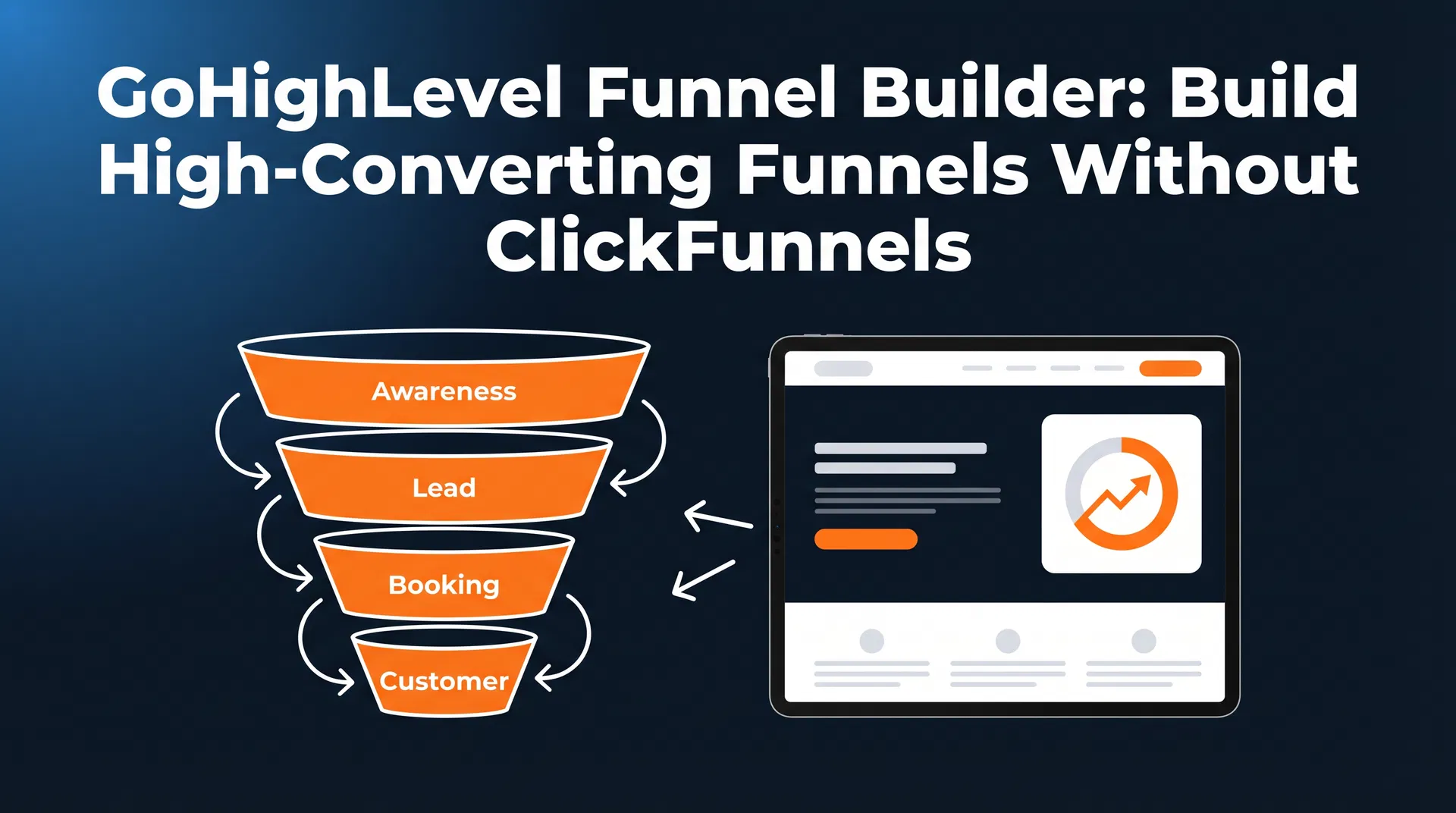
GoHighLevel Funnel Builder: Build High-Converting Funnels Without ClickFunnels (2026)
GoHighLevel funnel builder vs ClickFunnels: AI page generation, one-click upsells, Snapshots, and native CRM integration. Everything service businesses need to know.
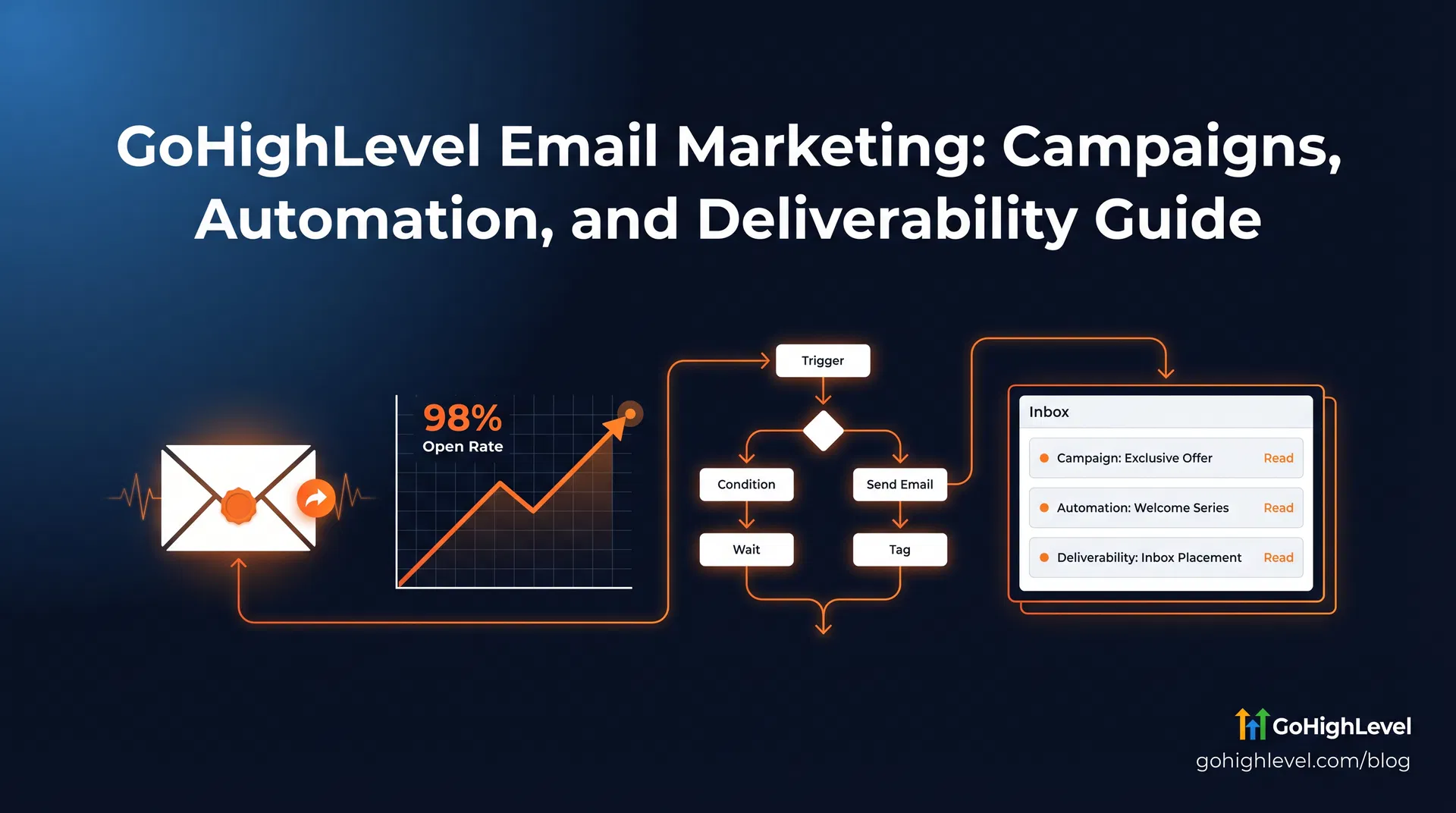
GoHighLevel Email Marketing: Campaigns, Automation, and Deliverability Guide (2026)
GoHighLevel email marketing: SPF/DKIM setup, workflow automation, Smart Lists, A/B testing, and real cost comparison vs Mailchimp and ActiveCampaign.
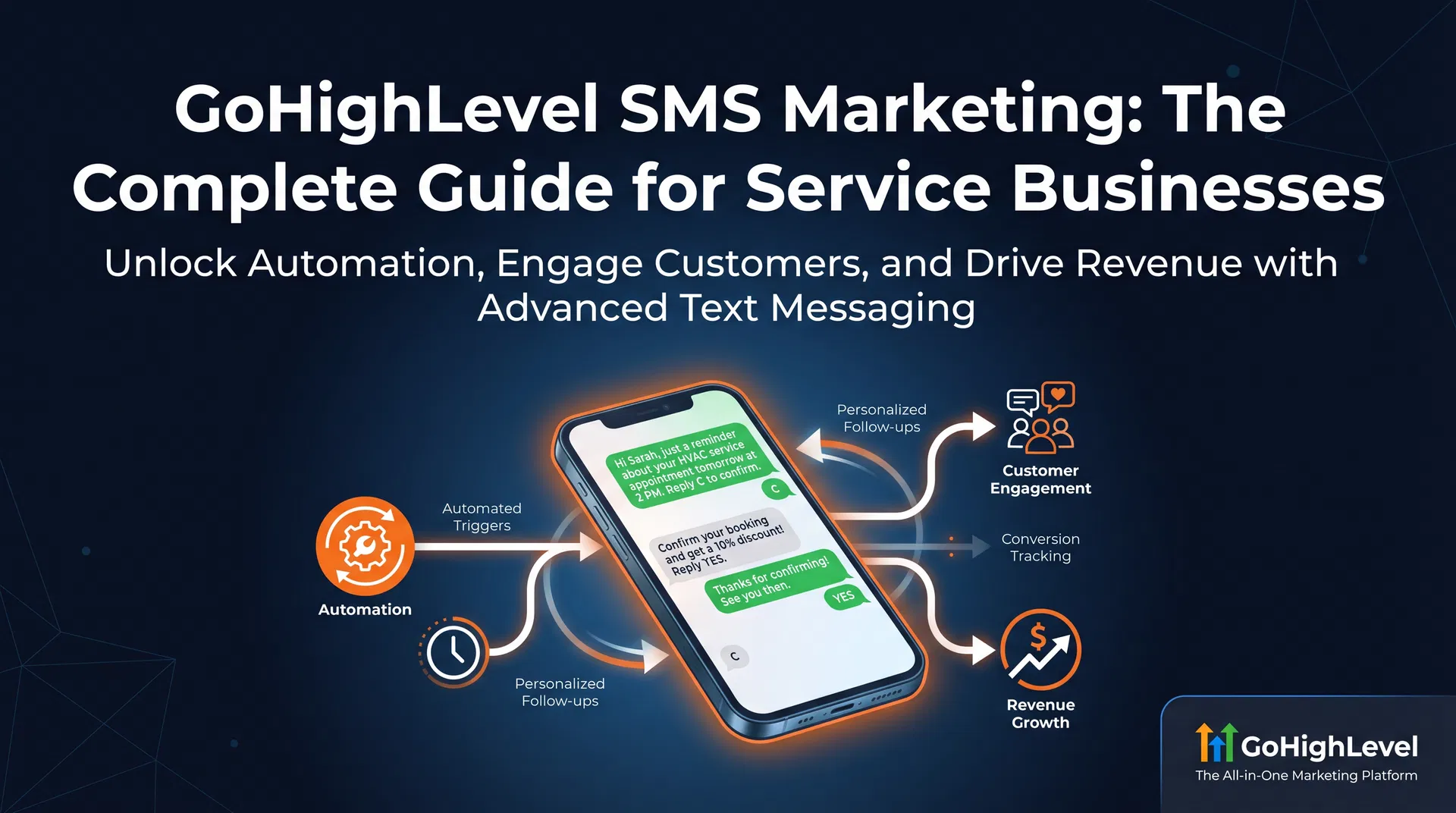
GoHighLevel SMS Marketing: The Complete Guide for Service Businesses (2026)
GoHighLevel SMS marketing explained: A2P 10DLC registration, two-way texting, workflow automation, and real costs. The complete guide for local service businesses.