
Why Small Business Automations Fail (First 90 Days)
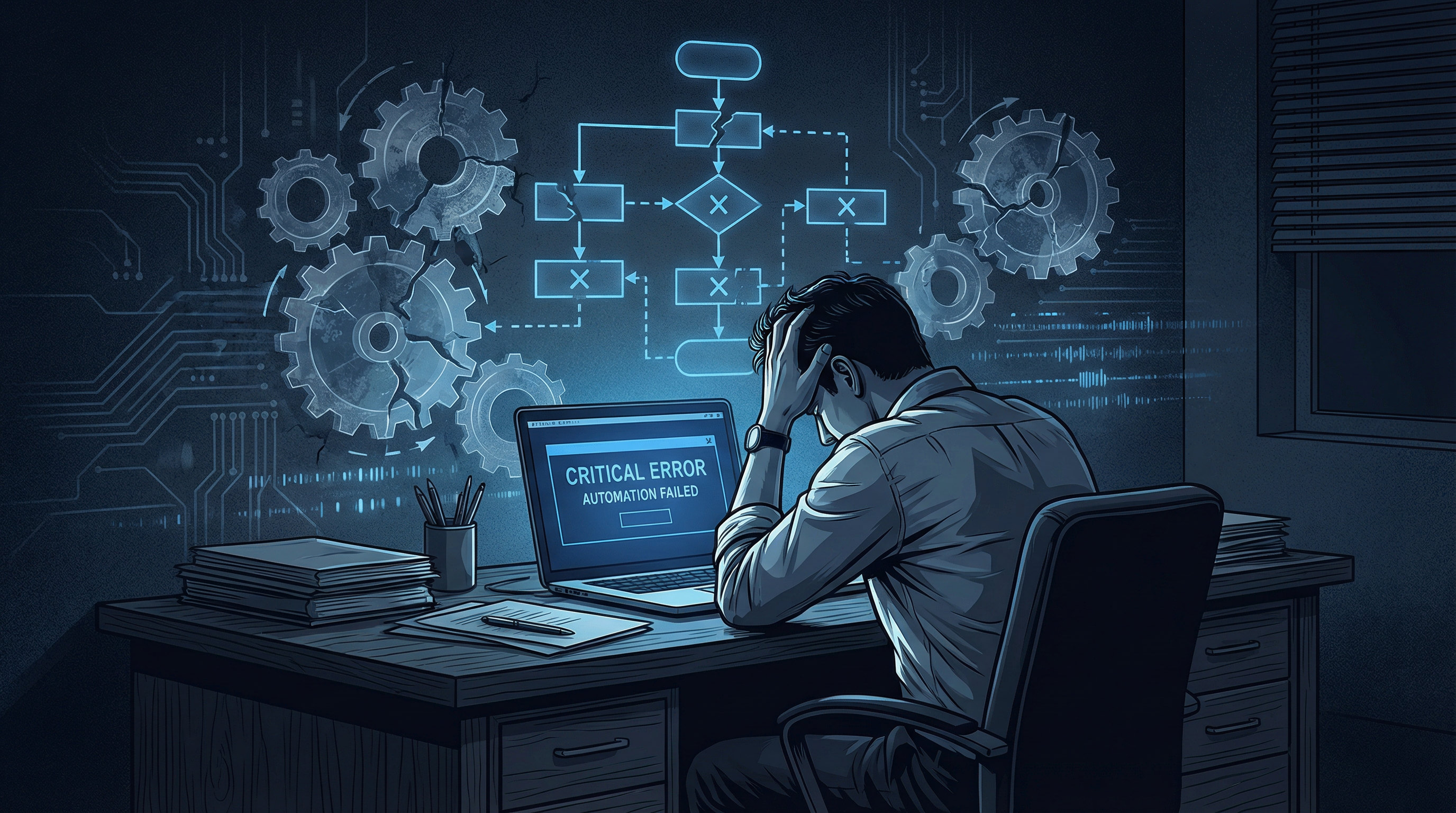
Use our missed call revenue calculator to see exactly how much this is costing your business. You invested in an automation system, drawn by the promise of fewer headaches and a smoother operation. Yet, if you're like many local service business owners, that initial excitement has likely given way to frustration. The truth is, your new automation probably isn't delivering, and it’s rarely the software's fault. The real culprit? Undiagnosed flaws in your existing processes, now glaringly exposed by the very technology meant to streamline them.
Consider a plumbing company in Dallas that recently automated its new lead qualification. The system was set up to send an immediate text asking for job details. It worked perfectly, sending thousands of messages. But when potential customers replied with urgent requests, those messages landed in a general inbox that was only checked twice a day. One homeowner, whose water heater burst, waited four hours for a response before calling a competitor. That single missed job, potentially worth $800 to $1,200, negated weeks of automation effort. This isn't an automation failure; it's a process failure. The system did its job, but the critical human element – who monitors urgent replies outside business hours? – was a gaping hole. This is a hard, but crucial, lesson: automation doesn't fix a broken process; it simply shines a spotlight on its weaknesses.
The Real Reason Your Automations Break Early
Getting that first automation live feels like a significant win. You set up an automatic appointment reminder for your dental practice, test it once, and think, "Problem solved." But the real world is far more complex than a controlled test environment.
What happens when a patient replies to that automated reminder to reschedule, or worse, asks a detailed question about their upcoming procedure? If that reply lands in an unmonitored inbox or a general support queue, the automation has just created a new bottleneck. A frustrated patient might call your front desk repeatedly, or simply cancel and go elsewhere. Studies show that 62% of callers won't leave a voicemail if they don't reach a live person, indicating a strong preference for immediate interaction. If your automation doesn't account for these real-time human interactions, it's actively working against you.
Here’s the critical insight gained from years of working with businesses like yours: automation amplifies whatever process it’s connected to, for better or for worse. If your existing process has a gap—a handoff nobody owns, a step requiring human judgment, or a response dependent on context—automation will find it and make it ten times more obvious. You cannot simply bolt automation onto an undefined workflow and expect magic. You must design your processes with automation in mind from the outset.
The Four Most Common Reasons Your Automation Efforts Fall Flat
Most business owners who struggle with automation fall into one of these four traps. Understanding them is the first step to building automations that don't just work, but actually last. Don't just automate; anticipate the weak points and design for resilience.
1. Automating a Process That Was Never Clearly Defined
This is the silent killer of small business automation. You have a general idea of how your business handles a new lead: "We call them, maybe send a text." But what are the exact steps? Who owns each step? What happens if they don't answer? Without a clear, step-by-step blueprint, automation becomes a shot in the dark. For example, if your "new lead follow-up" process isn't explicitly mapped out, an automation might send a text, but then fail to trigger a follow-up call if there's no reply, or worse, send a second text before the first one is even acknowledged. This lack of definition can lead to a 15-20% drop in lead conversion rates, simply because the automated sequence isn't aligned with a solid, human-centric follow-up strategy.
2. Failing to Account for Human Intervention and Exceptions
Automation thrives on predictability. Your business, however, thrives on serving unique customer needs. What happens when a customer replies to an automated appointment confirmation asking for a specific technician, or needing to explain a complex repair? If your automation doesn't have a clear "human intervention" trigger, these messages get lost. A roofing company might automate follow-ups for estimate requests. If a homeowner replies with detailed questions about insurance claims, and that message goes to an unmonitored general inbox, a potential $15,000 job could be lost. You need a system that routes these exceptions to a human who can provide the nuanced response needed, often within minutes, not hours.
3. Neglecting Ongoing Monitoring and Optimization
You wouldn't install a new HVAC unit and never check its performance. Yet, many business owners "set and forget" their automations. The business environment changes, customer behavior evolves, and even your own services adapt. An automation that worked perfectly last quarter might be creating friction today. For instance, if you automate appointment reminders for your chiropractic office but don't monitor reply rates, you might miss a trend where 10% of patients are now asking to reschedule via text, and your current system isn't handling it efficiently. This oversight can lead to a 5-10% no-show rate, directly impacting your bottom line. Regular review, at least monthly, is critical to ensure your automations remain effective and aligned with your operational reality.
4. Overlooking the "What If" Scenarios
Most initial automation setups focus on the ideal path. What if a payment fails? What if a customer unsubscribes? What if a lead provides incomplete information? These "what if" scenarios, though infrequent, can derail your entire automated process if not addressed. A dentist automating patient recall might send a series of emails. If a patient replies "I've moved," but the automation doesn't have a path to update their status and stop further emails, it creates a negative customer experience. Each "what if" scenario needs a defined automated or human-driven response. Ignoring these edge cases is like building a house without considering the plumbing for a leaky faucet; eventually, the problem will surface and cause significant damage.
The promise of automation is real, but its success hinges on your willingness to first understand and refine your existing processes. Don't chase the shiny new software. Instead, meticulously map out your workflows, anticipate human needs and exceptions, and commit to continuous monitoring. Only then will your automation truly serve your business, rather than expose its hidden flaws.
The Data Behind Automation Failure
A 2023 McKinsey survey found that 70% of digital transformation initiatives — including automation projects — fail to achieve their stated goals. For small businesses specifically, the failure rate is even higher because the resources available for implementation, training, and iteration are more limited.
The most common failure mode is not technical. It is strategic. Businesses automate the wrong things first, automate without a clear goal, or automate processes that have not been optimized manually first. You cannot automate a broken process and expect a better outcome — you just get broken outcomes faster.
The 90-Day Failure Window
The first 90 days after implementing automation are when most small businesses abandon the effort. The pattern is consistent: the business sets up a few workflows, sees some initial results, hits a problem they cannot diagnose, and concludes that "automation doesn't work for us."
What actually happens in most cases is that the automation is working correctly but the underlying process it is automating has gaps. A missed call text-back workflow that sends a text but never gets a response is not a workflow problem — it is a message problem. The automation is doing its job. The message is not compelling enough to get a reply.
The Fix: Start With One Workflow, Measure It, Then Expand
The businesses that succeed with automation in the first 90 days share a common approach: they pick one high-impact workflow, implement it completely, measure the results for 30 days, and optimize before adding the next workflow.
For most local service businesses, that first workflow is missed call text-back. It is the highest-impact automation, the simplest to implement, and the easiest to measure. Once it is working and generating measurable results, the case for expanding automation to appointment reminders, review requests, and lead nurture sequences becomes obvious — not theoretical.
Use our missed call revenue calculator to establish a baseline before you implement your first automation. The before-and-after comparison is the most powerful internal argument for expanding your automation investment.