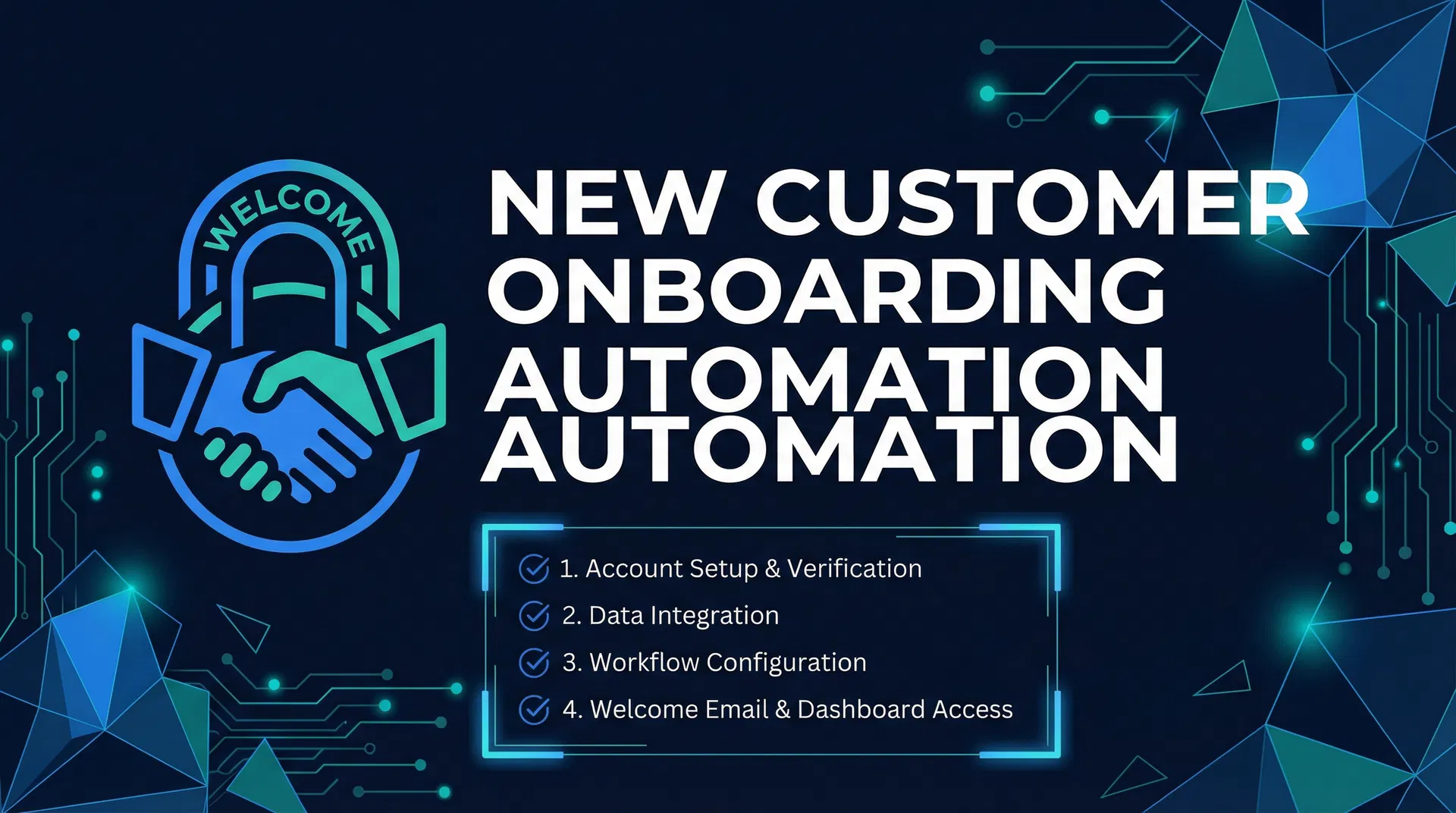
GHL Onboarding Automation for New Customers: First Impressions That Reduce Cancellateions
Let's be honest. You've had it happen: a new customer books, they're excited, but then... crickets. A no-show. For local service businesses, that's not just annoying; it's lost revenue, wasted staff time, and a dent in your day. We've all been there. But what if you could flip that script? What if the time between booking and service became a powerful, reassuring experience that locks in commitment, builds anticipation, and slashes cancellations? This isn't some marketing fantasy. This is the tangible impact of a finely-tuned GoHighLevel onboarding automation sequence. It's about making that first impression stick.
What is GHL Onboarding Automation and Why Does It Matter?
GoHighLevel (GHL) onboarding automation for new customers is a series of automated communications and actions triggered immediately after a new client books a service or makes a purchase. Think of it as your digital concierge, guiding them from initial booking to their first successful interaction with your business. It’s about creating an exceptional first impression that resonates, builds trust, and solidifies their decision to choose you.
In the competitive landscape of local services, customer experience is king. A smooth onboarding process isn't just a nice-to-have; it's a key competitive edge. When a new customer feels valued, informed, and prepared, they are far more likely to show up for their appointment, engage with your services, and ultimately become a loyal, long-term client.
Conversely, a disjointed or absent onboarding experience can lead to confusion, frustration, and a higher likelihood of cancellations or no-shows. This directly impacts your revenue and smarter operations. Consider the cost of a missed appointment – not just the lost revenue from that specific service, but also the wasted staff time, the missed opportunity to serve another client, and the potential damage to your reputation.
What we've seen work? GHL. It shines.
Its automation capabilities allow you to design a sophisticated yet effortless onboarding journey. From instant confirmations to helpful prep instructions and friendly reminders, GHL ensures every touchpoint reinforces a positive image of your business. It’s about proactively addressing common headaches and setting clear expectations, turning what could be a stressful waiting period into an exciting prelude to a great service experience. By automating these crucial steps, you free up your team to focus on delivering exceptional service during the actual appointment, knowing that the groundwork has been carefully set.
Step-by-Step Setup Inside GoHighLevel
Setting up an effective onboarding automation sequence in GoHighLevel might seem daunting at first, but by breaking it down into logical steps, you'll see how powerful and straightforward it can be. We'll focus on building a post-booking welcome sequence that confirms the appointment, sets expectations, shares prep instructions, and reduces no-shows. For more general insights into how automation can drive revenue, check out our article on automation workflows that move revenue.
Step 1: Define Your Goal and Triggers
Before diving into GHL, clearly define what you want your onboarding sequence to achieve. Is it to reduce no-shows by 20%? To increase customer satisfaction scores?
To ensure customers arrive fully prepared? Once your goal is clear, identify the trigger for this automation. For a post-booking sequence, the most common trigger is a new appointment booking or a form submission indicating a service request.
GHL Setup:
Navigate to Automations: In your GHL dashboard, go to
Automation>Workflows. 2. Create New Workflow: ClickCreate Workflowand chooseStart from Scratch.Add New Workflow Trigger: Click
Add New Workflow Trigger. SelectAppointmentand thenCustomer Booked Appointment. You can add filters here, for example, if you only want this sequence to fire for specific calendars or services.
Step 2: Instant Confirmation and Welcome
The first communication should be immediate. Confirm the booking, thank the customer, and set a warm, welcoming tone. This instantly reassures them that their booking was successful.
GHL Setup:
- Add an Action: After your trigger, click the
+icon to add an action. 2. Send SMS: SelectSend SMS.
Craft a message like: "Hi {{contact.first_name}}, thanks for booking with [Your Business Name]! Your appointment is confirmed for {{appointment.date}} at {{appointment.time}}. We can't wait to see you!"
3. Send Email: Add another action, Send Email. Use a professional template to reiterate the confirmation, provide your business address, and perhaps a link to your website or a short welcome video.
Step 3: Set Expectations and Share Prep Instructions
This is crucial for reducing friction and ensuring a smooth service delivery. What does the customer need to know or do before their appointment? This could include bringing specific documents, clearing a space, or understanding what to expect during the service. For businesses struggling with missed calls, integrating a missed call text-back setup guide can also enhance communication and customer experience even before the appointment.
GHL Setup:
- Wait Step: Add a
Waitstep. Set it toWait for X time– for example, 1 day after the previous step, or 2 days before the appointment. 2. Send Email (Prep Instructions): Add aSend Emailaction.
Title it something like "Getting Ready for Your [Service Name] Appointment!" In the email, clearly list any preparation steps, what they should bring, and what they can expect. Use bullet points for readability. 3. Send SMS (Quick Reminder): Consider a concise SMS reminder with a key prep instruction. "Just a friendly reminder to [key prep instruction] before your appointment on {{appointment.date}}!"
Step 4: Reduce No-Shows with Timely Reminders
Even with great prep instructions, life gets in the way. Timely reminders are your best defense against no-shows. For a deeper strategies to combat this, read our article on how to reduce no-shows.
GHL Setup:
- Wait Step: Add another
Waitstep, perhaps 24 hours before the appointment. 2. Send SMS Reminder: "Reminder: Your appointment with [Your Business Name] is tomorrow, {{appointment.date}} at {{appointment.time}}. Reply YES to confirm or NO to reschedule/cancel." - Conditional Logic (Optional but Recommended): Add an
If/Elsecondition after the SMS.
If the contact replies "YES", move them to a branch that does nothing further (they've confirmed!). If they reply "NO" or don't reply, you can trigger internal notifications for your team to follow up, or send them a link to reschedule. 4. Final Reminder (Optional): A short SMS reminder 1-2 hours before the appointment can be highly effective. "Your appointment is in 2 hours! See you soon at [Address]."
Step 5: Internal Notifications and Follow-up
Automation isn't just for customers. Keep your team in the loop and help them to act when necessary.
GHL Setup:
- Internal Notification: At various points in the workflow (e.g., after booking, if a customer replies NO to a reminder), add an
Internal Notificationaction.
Send an email or SMS to your team members, alerting them to the customer's status or any required action. 2. Update Opportunity Stage: If you're using the Opportunities feature in GHL, you can add an action to Update Opportunity Stage to reflect the customer's progress through the onboarding journey.
Common Mistakes to Avoid
The honest answer is, while GHL onboarding automation is powerful, a few missteps can undermine its effectiveness:
Over-communicating: Too many messages can feel spammy. Find a balance that informs without overwhelming. Quality over quantity. * Generic Messaging: Personalize your messages using custom values like
{{contact.first_name}}and{{appointment.date}}. Generic messages feel impersonal and can be easily ignored. * Lack of Clear Calls to Action: Every message should have a purpose. If you want them to confirm, ask them to confirm. If you want them to read prep instructions, tell them where to find them.Ignoring No-Show Data: Track your no-show rates. If they're still high, analyze your automation sequence. Are your reminders timely? Are your prep instructions clear? Continuous optimization is key. You can even use a no-show calculator tool to understand the true cost of missed appointments. * Setting and Forgetting: Automation isn't a set-it-and-forget-it solution. Regularly review your workflows, update messages, and adapt to customer feedback and changing business needs.
Real-World Results
The impact of a well-implemented GHL onboarding automation sequence extends far beyond simply reducing no-shows. Local service businesses that have embraced this approach report a range of real-world advantages:
- Reduced No-Shows and Cancellations: This is often the most immediate and measurable result. By consistently reminding and preparing customers, businesses see a big drop in missed appointments, directly boosting revenue and making staff schedules work better. For example, practices implementing automated reminders typically see a 30-40% drop in no-shows [1]. Some dental practices have reported even more significant results, with one case study showing an 87% reduction in no-shows [2]. * Improved Customer Satisfaction: Customers appreciate clear communication and feeling prepared. A easy onboarding makes customers feel calm and confident, leading to higher satisfaction scores and great reviews. Imagine a new client arriving for their HVAC service, knowing exactly what to expect because they received clear instructions – this sets a positive tone from the start.
Businesses using GHL for HVAC often highlight improved customer communication as a key benefit. * Increased Efficiency: Automating confirmations and reminders frees up your team. They can then focus on the really important stuff, the tasks that actually grow your business. This smarter operations translates into cost savings and a more productive team. * Enhanced Professionalism and Brand Image: A slick, automated onboarding process shows you're professional and you care about the details. It shows customers that your business is organized, reliable, and cares about their experience, making your brand stand out in a crowded market. * Better Prepared Customers: When customers show up ready, the service itself runs smoother and faster. This can lead to shorter appointment times, fewer surprises on site, and a a better experience for everyone involved.
Conclusion
Look, in this business, first impressions are everything. That gap between a customer booking and their actual appointment? That's your golden window. You can either let it be a source of anxiety and potential no-shows, or you can turn it into the bedrock of a long-term relationship. When we talk about GoHighLevel onboarding automation, we're not just talking about sending a few emails. We're talking about intentionally building an experience that reassures, informs, and genuinely delights your new clients.
This isn't just about cutting down on those frustrating no-shows and cancellations – though it absolutely does that. It's about elevating your brand, making customers happier, and freeing up your team to do what they do best: deliver amazing service. This kind of consistent, automated care isn't just good practice; it's how you build a loyal customer base, drive repeat business, and grow your local service business. Every single interaction, even before they walk through your door, shapes their perception. So, embrace GHL onboarding automation. Watch those first impressions blossom into lasting relationships and a much healthier bottom line. Ready to make that happen? Explore GoHighLevel today and see how its powerful features can simplify your operations and delight your clients.
References
[1] mConsent. (2025, April 9). How Automated Reminders Reduce No-Shows & Boost Practice Revenue.
https://mconsent.net/blog/automated-reminders-reduce-no-shows-boost-practice-revenue/ [2] Workflux.ai. (2025, November 22). How AI Reduces No-Shows in Healthcare Practices by 87%. https://workflux.ai/blog/how-ai-reduces-no-shows-healthcare-87-percent
Before investing in any CRM or automation platform, run the numbers with the free CRM ROI Calculator to see your projected return based on your current lead volume and close rate.
To find out where your pipeline is leaking revenue, the free Pipeline Leakage Calculator breaks down your loss by stage so you know exactly where to focus first.